
Maid Cafe Simulator · Systems · Guide
Maid Cafe Simulator Controls — Input Options and Customization
Maid Cafe Simulator controls: mouse and keyboard only, no controller support listed, plus the input and volume options Steam documents for the game.
By the Game Atlas team · Updated 2026-10-11
On this page (7)
Maid Cafe Simulator controls are documented narrowly: the game is played with a mouse and keyboard, and Steam does not list controller support for it. That is consistent with what the game is, a first-person sim where you point at a drink station, pick up an order and handle a receipt by hand rather than through a menu. The store page's category list names only Single-player, Steam Achievements, Custom Volume Controls, Steam Cloud and Family Sharing, so any specific key binding beyond that is not documented yet.
Controller Support and Input Method
The clearest fact is a negative one. Steam shows a dedicated controller-support block on store pages for games that offer it, and Maid Cafe Simulator does not have one. No partial support, no full support, no gamepad recommendation. That leaves mouse and keyboard as the documented setup, and it matches the store page's description of the work: taking orders, mixing drinks, serving customers, scanning receipts and counting change, all of which are pointing tasks in a first-person view.
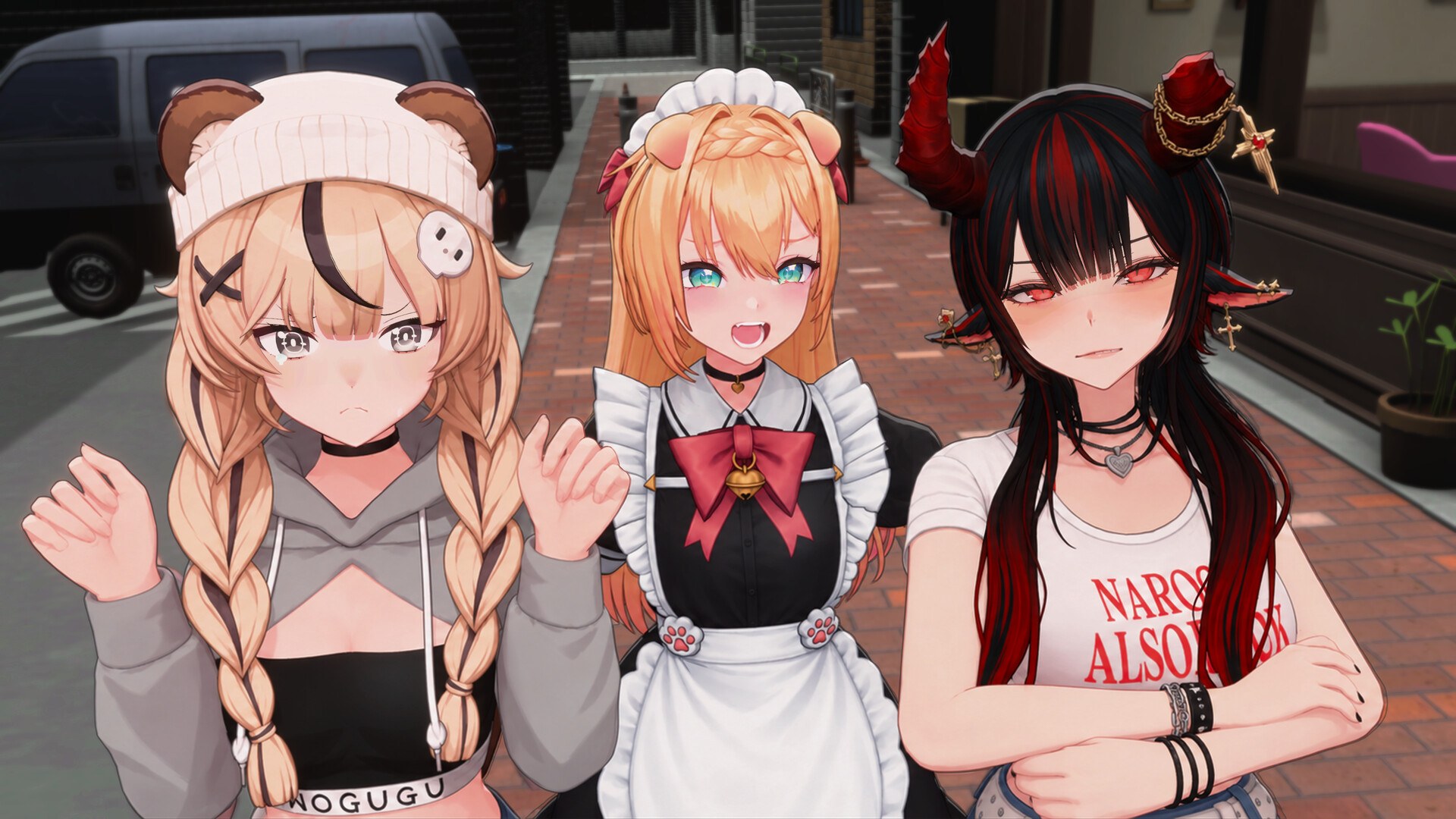
Documented Steam Features and Customization
Of the five categories Steam lists, only one touches how the game behaves around you. Custom Volume Controls is a per-channel audio option, which is useful if you want the Korean voice acting prominent and the café ambience low, or the reverse. Steam Cloud and Family Sharing are library-level conveniences rather than input settings. Steam Achievements ties to the 23 achievements the game ships with.
| Steam category | What it means for you |
|---|---|
| Single-player | No co-op or online component |
| Steam Achievements | 23 achievements to unlock |
| Custom Volume Controls | Adjustable audio channels |
| Steam Cloud | Saves sync through Steam |
| Family Sharing | Sharable within a Steam family |
A key-remapping menu is not documented, so if you rely on rebinding in other sims, treat that as unconfirmed. The store page also lists no touch support and no VR or motion input, and it does not mention accessibility options such as subtitle sizing or colorblind modes. Those remain not documented yet. For what the game needs to run, see the system requirements page.
FAQ
1.Does Maid Cafe Simulator support a controller?
No. Steam's store page does not list a controller support category for the game, so mouse and keyboard is the only documented input method.
2.What input methods are confirmed?
Mouse and keyboard. The game is a first-person sim where you point at stations, orders and receipts, and no gamepad support is listed on the store page.
3.Can you rebind the keys?
Not documented yet. The store page does not describe a key-remapping menu, and the only input-adjacent option it names is Custom Volume Controls.
4.What Steam features does the game list?
Single-player, Steam Achievements, Custom Volume Controls, Steam Cloud and Family Sharing.
5.Is there touch or motion input?
Not documented yet. Steam lists no touch support, and no motion or VR input is mentioned on the store page.
More in Systems
More systems pages in Maid Cafe Simulator.
References
- Maid Cafe Simulator on Steam
- Maid Cafe Simulator app details (Steam Web API)
- Maid Cafe Simulator Steam Community
- Accelix official site
Facts on this page are compiled from the references above. Items marked "to confirm" are single-source and not yet verified.