
Neon Abyss 2 · Optimization · Guide
Neon Abyss 2 System Requirements — Minimum PC Specs Explained
Neon Abyss 2 system requirements: the exact minimum PC specs listed on Steam, what each part does, and which component is most likely to hold your build back.
By the Game Atlas team · Updated 2026-10-11
On this page (9)
- Minimum Requirements in Full
- Reading the Specs Part by Part
- Which Part Will Hold You Back
- What are the Neon Abyss 2 minimum requirements?
- Which component is the bottleneck in Neon Abyss 2?
- Does Neon Abyss 2 need 8 GB of RAM?
- How much storage does Neon Abyss 2 need?
- Is there a recommended spec for Neon Abyss 2?
- Does Neon Abyss 2 run on DirectX 11?
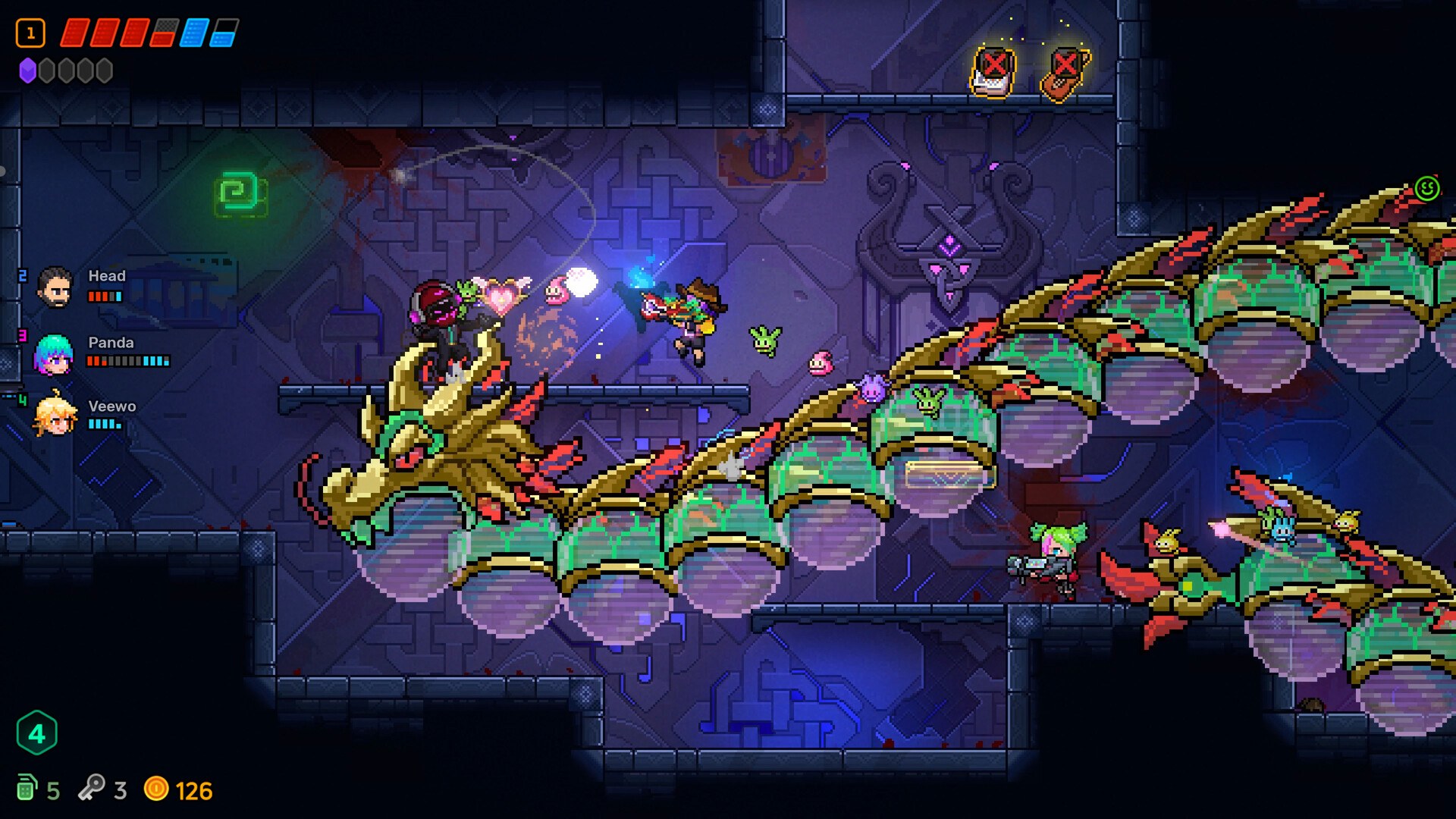
Neon Abyss 2 asks for a modest but specific PC: a 64-bit Windows 10 machine with a dual core 2.4 GHz processor, 8 GB of RAM, a GeForce GTX 950, Radeon R7 360 or Intel HD Graphics 630, DirectX version 12, and 2 GB of free storage. The install size is tiny by modern standards because the game is pixel art, and the CPU floor is low. The one line worth reading carefully is the graphics card, because that is where the requirement stops being generous.
Minimum Requirements in Full
Every value below is copied from the minimum block on the Steam store page, captured on October 10, 2026.
| Component | Minimum |
|---|---|
| OS | Windows 10 64-bit |
| Processor | Dual Core 2.4 GHz |
| Memory | 8 GB RAM |
| Graphics | GeForce GTX 950, Radeon R7 360, or Intel HD Graphics 630 |
| DirectX | Version 12 |
| Storage | 2 GB available space |
| Architecture | Requires a 64-bit processor and operating system |
Reading the Specs Part by Part
The 64-bit requirement is a hard gate rather than a performance figure: a 32-bit install of Windows cannot run the game regardless of how fast the hardware is, so check that first if you are on an older machine. Windows 10 64-bit is the stated OS, and no earlier Windows version is listed as supported.
The processor line is the loosest number in the table. A dual core at 2.4 GHz is a low bar, and any desktop CPU from the last decade comfortably clears it, so a weak CPU is rarely the reason a machine struggles with this game. Memory is set at 8 GB, which is the common baseline for a Windows gaming PC today, and the store page publishes no higher figure anywhere, so 8 GB applies across the board rather than only to a minimum tier.
The graphics requirement is where the spec becomes real. A GeForce GTX 950 and a Radeon R7 360 are entry-level dedicated cards from roughly the same era, and Intel HD Graphics 630 is integrated graphics from around Intel's seventh and eighth generation desktop chips. Being named alongside two dedicated cards means the integrated option is expected to work rather than to merely boot the game.
DirectX version 12 is listed as a requirement rather than a preference, and no DirectX 11 fallback appears anywhere on the store page. Storage is the easiest line to satisfy: 2 GB is less than many single texture packs in other games, so it is not a planning concern.
Which Part Will Hold You Back
The graphics card is the answer, and the reasoning is a comparison rather than a guess. The CPU floor is a dual core at 2.4 GHz, which is far below what most machines in use today provide, so processor headroom is common. The GPU floor, by contrast, names two entry-level dedicated cards, and the third listed option is integrated graphics that many machines do not have at all. So the combination most likely to fall short is a modern multi-core CPU paired with weak or absent graphics — exactly the shape of a business laptop or a small form factor desktop.
The recommended block on the store page does not resolve this. It repeats the 64-bit requirement and lists DirectX version 12, but it names no recommended CPU, no recommended GPU and no recommended memory figure, so a full recommended tier is not documented yet. The practical way to read that gap is that the minimum is what the developer chose to publish, and no higher tier has been stated.
Two things are worth knowing that the requirements table does not cover. First, no demo exists for Neon Abyss 2, so there is no free way to test the game on your machine before buying. Second, Steam's refund window gives you a way to check performance after purchase, which is the closest thing to a trial the game currently offers. The platforms page covers the store and language situation, and the price page breaks down the launch cost.
FAQ
1.What are the Neon Abyss 2 minimum requirements?
A 64-bit processor and OS, Windows 10 64-bit, a dual core 2.4 GHz CPU, 8 GB RAM, a GeForce GTX 950, Radeon R7 360 or Intel HD Graphics 630, DirectX version 12, and 2 GB of available storage.
2.Which component is the bottleneck in Neon Abyss 2?
The graphics card is the least forgiving line in the list. The GTX 950 and R7 360 are entry-level dedicated cards, while the CPU floor is only a dual core at 2.4 GHz, so a modern CPU paired with integrated graphics is the most likely combination to fall short.
3.Does Neon Abyss 2 need 8 GB of RAM?
Yes, that is the published minimum. 8 GB is now a common baseline, so most machines built in the last few years already meet it, and the store page does not list a higher memory figure for any recommended tier.
4.How much storage does Neon Abyss 2 need?
2 GB of available space. That is unusually small for a modern release and reflects the pixel art style, so install size is not a practical constraint on most machines.
5.Is there a recommended spec for Neon Abyss 2?
Only partially. The store page's recommended block repeats the 64-bit requirement and lists DirectX version 12, but it names no recommended CPU, GPU or memory figure, so a full recommended tier is not documented yet.
6.Does Neon Abyss 2 run on DirectX 11?
The published requirement is DirectX version 12, and no DirectX 11 fallback is listed on the store page. Treat DirectX 12 support as part of the minimum spec rather than an optional upgrade.
References
- Neon Abyss 2 on Steam
- Neon Abyss 2 appdetails (Steam Web API)
- Neon Abyss 2 Steam Community
- Veewo Games official site
Facts on this page are compiled from the references above. Items marked "to confirm" are single-source and not yet verified.