
Wildaria · Systems · Guide
Wildaria Controls — Controller, Keyboard and Accessibility
Wildaria controls explained from the store page: full controller support with DualShock and DualSense, a keyboard-only option, and the accessibility settings.
By the Game Atlas team · Updated 2026-10-11
On this page (8)
Wildaria supports both a controller and a keyboard-only setup. The store page lists full controller support with DualShock and DualSense named specifically, and it also lists a Keyboard Only Option, so neither input method is a fallback. What it does not publish is a key list or button mapping, which means the exact bindings for movement, attacking, dodging and taming are not documented yet.
Controller Support and Pad Options
Controller support here is broad rather than incidental. Full controller support is a listed feature, and the store page calls out DualShock Controller Support and DualSense Controller Support by name, which means PlayStation-style pads with their specific features are accounted for rather than merely mapped. General gamepads fall under the full controller support entry.
The accessibility categories sit alongside the pad support. Adjustable Text Size, Custom Volume Controls, Subtitle Options, Stereo Sound and Surround Sound are all listed, and so is Playable without Timed Input. For a controller player, that last one is the notable entry: it means the game does not require reaction-timed inputs to be playable, which changes how forgiving the action feels on a pad.
| Input or setting | Listed on the store page |
|---|---|
| Full controller support | Yes |
| DualShock controller support | Yes |
| DualSense controller support | Yes |
| Keyboard only option | Yes |
| Playable without timed input | Yes |
| Adjustable text size | Yes |
| Custom volume controls | Yes |
| Subtitle options | Yes |
Keyboard and Mouse
The keyboard side is documented as a supported way to play rather than as a compromise. The Keyboard Only Option category exists specifically to signal that you can complete the game without a pad, which matters for players on laptops or with accessibility needs that make a controller impractical.
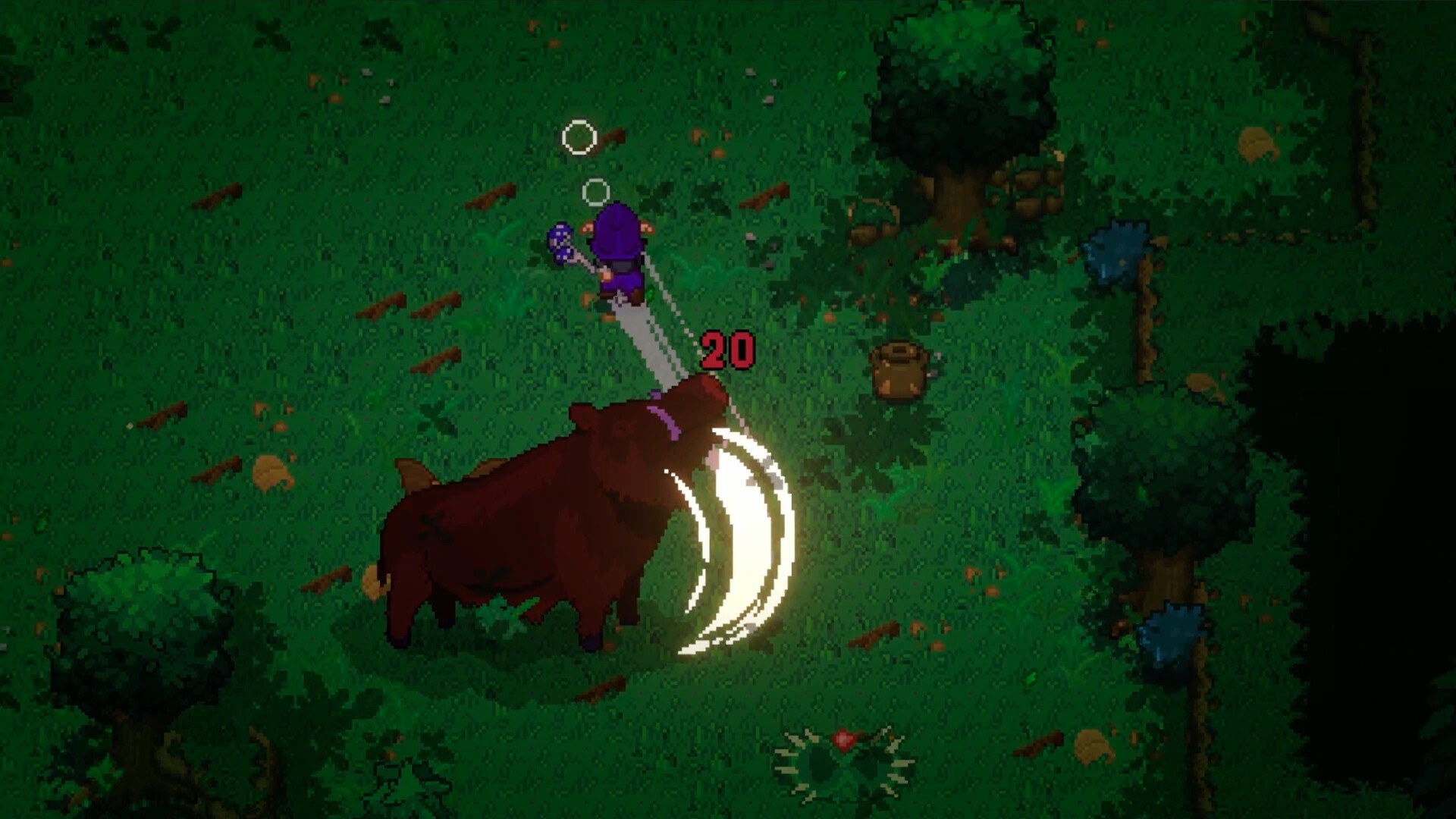
What is missing is the mapping itself. No key list, no mouse button assignments and no mention of key rebinding appear on the store page, so any published bindings you see elsewhere should be treated as unverified. The absence of a rebinding feature listing is also not proof that rebinding is impossible; it is simply not documented.
What Is Not Documented
The store page is silent on several control details that players usually ask about. There is no published default layout, no confirmation of remapping support, and no separate section for mouse sensitivity or invert options.
- Default key bindings: not documented.
- Button mapping for controller: not documented.
- Key rebinding or remapping: not documented.
- Mouse sensitivity or inversion settings: not documented.
- Touch or handheld input: not applicable, since no mobile version is listed.
Since Wildaria is in Early Access as of October 8, 2026, control options can still change between builds. For the hardware side of the setup, the system requirements page lists the published minimums, and the platforms page confirms which systems and stores the game is on.
FAQ
1.Does Wildaria support controllers?
Yes. Full controller support is listed on the store page, along with specific DualShock and DualSense controller support, so both PlayStation-style pads and general gamepads are covered.
2.Can you play Wildaria with keyboard only?
Yes. The store page lists a Keyboard Only Option, so a keyboard-only setup is officially supported rather than being a workaround.
3.What are the actual key bindings in Wildaria?
Not documented. The store page does not publish a key list or button mapping, so no specific key or button can be quoted for movement, attacking or taming.
4.Can I remap the controls?
Not documented. The store page lists no key rebinding or remapping feature, so whether the bindings are customisable is not stated.
5.What accessibility options does Wildaria have?
The store page lists Adjustable Text Size, Custom Volume Controls, Subtitle Options, Stereo and Surround Sound, Playable without Timed Input, and Save Anytime as Steam feature categories.
More in Systems
More systems pages in Wildaria.
References
Facts on this page are compiled from the references above. Items marked "to confirm" are single-source and not yet verified.