
PAPERHEAD · Systems · Guide
PAPERHEAD Controls — Keyboard, Mouse and Controller Support
PAPERHEAD controls: full controller support including DualShock and DualSense, and why the exact key bindings are not published on the store page.
By the Game Atlas team · Updated 2026-10-11
On this page (9)
- What the Store Page Confirms
- Which Actions Need Bindings
- Keyboard, Mouse and Controller in Practice
- What Is Not Documented
- Does PAPERHEAD support controllers?
- What are the keyboard and mouse bindings in PAPERHEAD?
- Can I rebind the controls?
- Does PAPERHEAD support Steam Input?
- What actions does the game need controls for?
PAPERHEAD's controller support is fully documented and its keyboard bindings are not. The Steam store page lists full controller support and names DualShock and DualSense controller support specifically, while no key binding list, mouse sensitivity range or rebinding menu is published anywhere on the store page.
What the Store Page Confirms
Two things are confirmed. The first is full controller support, which is the strongest controller tier Steam lists. The second is explicit support for DualShock and DualSense controllers, which covers PlayStation-style pads alongside a standard Xbox-style one.
| Input | Status on the store page |
|---|---|
| Keyboard and mouse | Implied by a Windows release, bindings not published |
| Full controller support | Listed |
| DualShock controller support | Listed |
| DualSense controller support | Listed |
| Steam Input | Not listed |
| Rebinding | Not documented yet |
The store page lists the game's categories as single-player, Steam Achievements, full controller support, DualShock controller support, DualSense controller support, Steam Cloud and Family Sharing. That list is the entire published input story.
Which Actions Need Bindings
Even without a binding list, the store page does say what the game asks you to do, and that is enough to know roughly how many actions need buttons. Combat needs a way to shoot the shotgun, a way to kick, and a way to jump onto a head. The pencil needs at least two separate actions, one for sketching a bomb and one for drawing a door. Movement needs the usual direction, look and jump inputs on top of that.
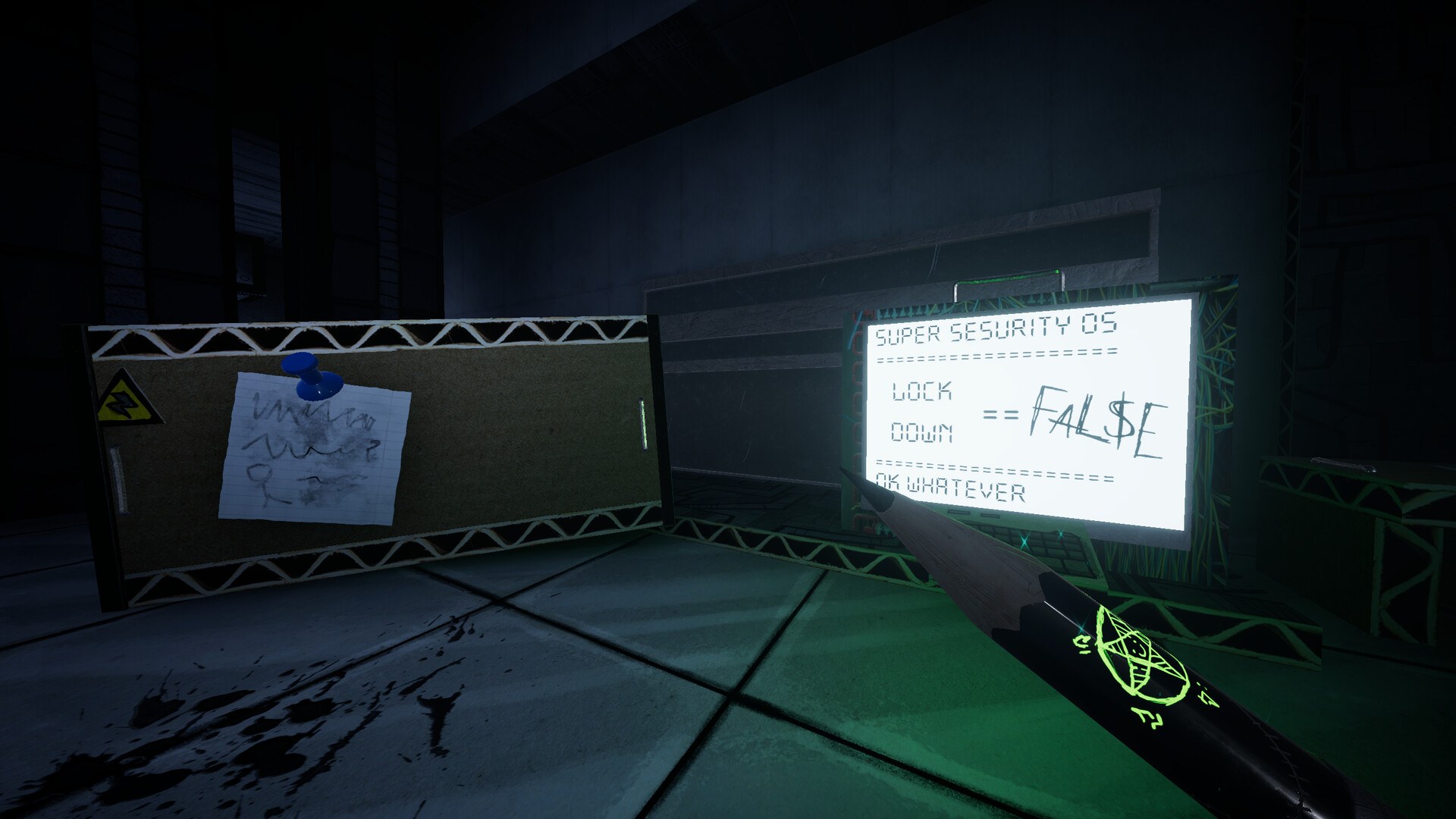
That is a fairly small action set for a first-person game, which is consistent with the store page describing a fast-paced movement shooter rather than an inventory-heavy one. It also means a controller has enough buttons for the documented moves without needing modifier layers.
Keyboard, Mouse and Controller in Practice
For a movement shooter, the practical split is usually that a mouse gives you faster aiming and a controller gives you more comfortable movement. PAPERHEAD's documented moves lean on movement, since tossing, kicking and head-jumping all depend on positioning, and the pencil adds two tool actions that need quick access.
The store page does not state a recommended input method, does not mention aim assist, and does not say whether the game shows controller prompts automatically when a pad is connected. Those are all not documented yet.
What Is Not Documented
The list of missing input detail is long and worth stating plainly. The store page does not publish default key bindings, mouse sensitivity options, an invert-Y option, a rebinding menu, Steam Input support, haptic feedback support, or any accessibility remapping. It also does not describe a quick-swap between the pencil and the shotgun, so how the two are switched is not documented yet.
For the tools those controls operate, see PAPERHEAD weapons. For the platform and store context, see PAPERHEAD platforms.
FAQ
1.Does PAPERHEAD support controllers?
Yes. The Steam store page lists full controller support, and it names DualShock and DualSense controller support separately.
2.What are the keyboard and mouse bindings in PAPERHEAD?
Not documented yet. The Steam store page does not publish a key binding list, so the default keyboard and mouse controls are not confirmed.
3.Can I rebind the controls?
Not documented yet. The store page does not state whether the controls are remappable in game or through Steam Input.
4.Does PAPERHEAD support Steam Input?
Not documented yet. Steam Input is not listed among the store page's categories, which are single-player, Steam Achievements, controller support, Steam Cloud and Family Sharing.
5.What actions does the game need controls for?
The store page documents tossing enemies, kicking exploding barrels, jumping on heads, shooting a shotgun and using the pencil to sketch bombs or draw doors, so at minimum those actions need bindings.
More in Systems
More systems pages in PAPERHEAD.
References
Facts on this page are compiled from the references above. Items marked "to confirm" are single-source and not yet verified.