
SiNiSistar 2 · Editions & Stores · Platform
SiNiSistar 2 Patch Steam Deck — Steam Deck
SiNiSistar 2 patch steam deck: Deck Verified status, Proton reports, and how to apply the publisher's patch on a handheld without breaking saves.
By the Game Atlas team · Updated 2026-10-05
On this page (10)
- Does SiNiSistar 2 run on Steam Deck?
- Deck Verified status and Proton reports
- How to apply the patch on Steam Deck
- Keeping the patch after a Steam update
- Performance and input notes
- Is SiNiSistar 2 Deck Verified?
- Does the SiNiSistar 2 patch work on Steam Deck?
- Which Proton version should I use for SiNiSistar 2?
- Do I lose the patch when Steam updates the game?
- Why is the game Playable and not Verified on Deck?
SiNiSistar 2 runs on Steam Deck through Proton, and the publisher's patch works there too, which is not guaranteed for every game with an external content patch. The short version: ProtonDB rates it Playable, a reporter on Proton 10.0-3 confirmed both the game and the patch work, and applying the patch on Deck is the same folder copy you would do on desktop, just done from Desktop Mode.
Does SiNiSistar 2 run on Steam Deck?
Yes, with one caveat. The Steam store page does not list Linux as a supported platform, so the Deck runs the Windows build through Proton rather than a native version. In practice that is well covered: the ProtonDB page shows multiple reports marked as working, and the game's own Steam discussions include a dedicated Steam Deck thread. The Steam build is lightweight pixel art, which helps here, and the autosave on map transitions means a crash would not cost much progress even in the worst case.
Deck Verified status and Proton reports
ProtonDB summarises the community data as a single badge plus individual reports. The current summary looks like this:
| Check | Status |
|---|---|
| Deck Verified status | Playable |
| Chromebook readiness | Unknown |
| Reports on file | 3 |
| Confirmed Proton version | Proton 10.0-3 |
The most useful report is from a player who described the setup as working perfectly and explicitly confirmed that the patch also works. They described the patch as the copy-and-override type and said it caused no issues. A second report used a custom CachyOS Proton build, which suggests the game is not fussy about the specific Proton version as long as you are on a recent one.
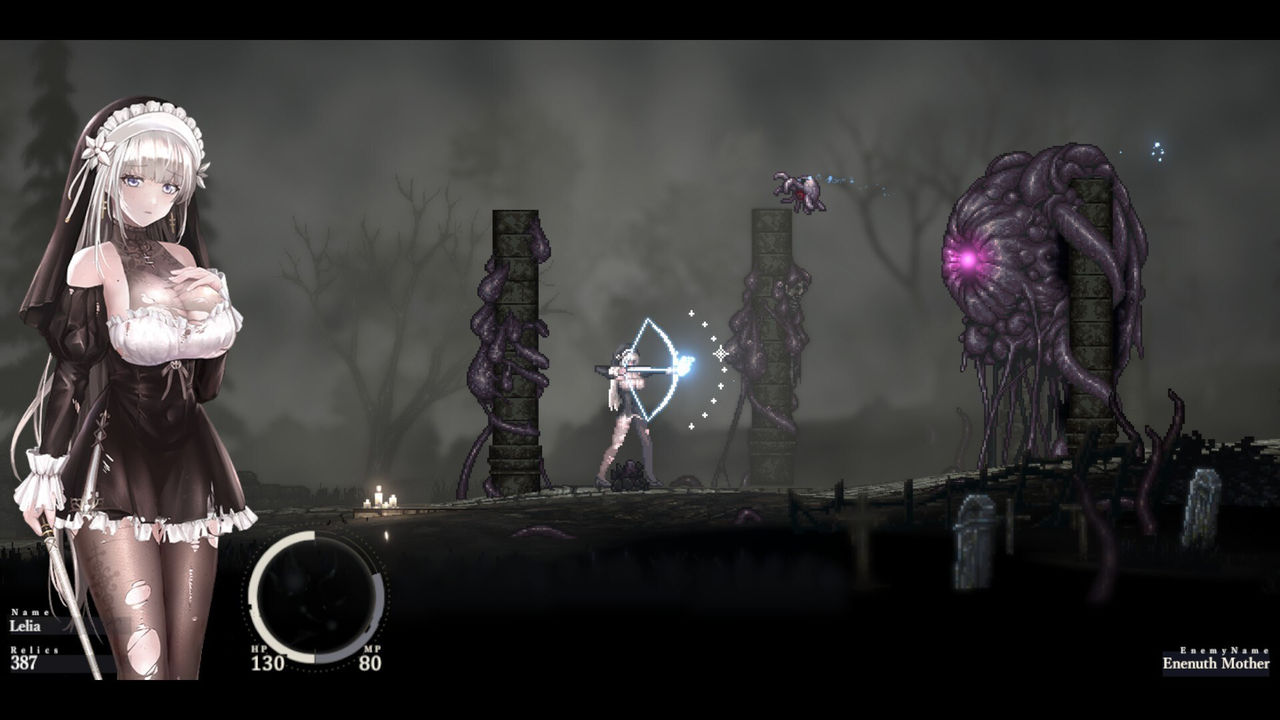
Playable rather than Verified is worth understanding before you buy. Steam lists the game with Partial Controller Support instead of full support, which is the usual reason a title lands at Playable. Expect to check the control layout before a long session.
How to apply the patch on Steam Deck
The patch is a file overwrite rather than an installer, so the process is identical to desktop; you just need a desktop environment to reach the files. The exact folder location for the compat data path should be treated as to confirm against your own Deck, but the steps are:
- Switch the Deck to Desktop Mode so you have a file manager.
- Get the patch archive from the publisher's patch page and extract it.
- In Steam, right-click SiNiSistar 2 and choose Manage, then Browse local files.
- Copy the Mod and SiNiSistar2_Data folders into that install folder and confirm the overwrite.
- Launch the game once from Game Mode to verify the patched content loads.
Because the patch ships as folders to copy rather than an executable, Proton does not need to run any installer, which is exactly why the ProtonDB reporter could confirm it works.
Keeping the patch after a Steam update
Steam updates replace the files in the install directory, and that includes anything you copied in. After every SiNiSistar 2 update you have to repeat the copy step; you only need to fetch the patch again if the patch itself has a newer version. The publisher's page keeps both the current and the previous version, so if a new patch version introduces a problem you can fall back to the older archive.
Performance and input notes
No performance complaints appear in the Deck reports, which fits a 2D pixel-art game with 3D backgrounds. The practical concerns are the controller layout, because support is partial, and the possibility that some in-game text is easier to read with the Deck's zoom. Neither affects whether the game or the patch installs, so if you are comfortable with Proton and a manual file copy, Steam Deck is a viable way to play the full version.
FAQ
1.Is SiNiSistar 2 Deck Verified?
ProtonDB lists it as Playable rather than Verified, and Chromebook readiness is listed as Unknown. Playable means it runs, but some text or controls may need attention.
2.Does the SiNiSistar 2 patch work on Steam Deck?
Yes. A ProtonDB reporter running Proton 10.0-3 confirmed the game works and that the patch also works, describing it as a copy-and-override patch with no issues.
3.Which Proton version should I use for SiNiSistar 2?
The positive report on record used Proton 10.0-3. Another reporter used a custom CachyOS Proton build, so a custom build is an option but not required.
4.Do I lose the patch when Steam updates the game?
Yes. Steam updates overwrite the local files, so repeat the copy step after each update. You only need to fetch the patch again if the patch itself is updated.
5.Why is the game Playable and not Verified on Deck?
Steam lists Partial Controller Support rather than full support, which is typically why a game lands at Playable. The store page also does not list Linux as a native platform, so it runs through Proton.
More in Editions & Stores
More editions & stores pages in SiNiSistar 2.
References
- Steam deck :: SiNiSistar 2 General Discussions
- Game Details for SiNiSistar 2
- How to Get the Sinisistar 2 R18 Patch and Install It on Steam
Facts on this page are compiled from the references above. Items marked "to confirm" are single-source and not yet verified.