
SiNiSistar 2 · Editions & Stores · Platform
SiNiSistar 2 Steam Patch — Steam Deck
SiNiSistar 2 steam patch: what the all-ages Steam build includes, where the publisher's adult-content patch lives, and how to install it on PC or Mac.
By the Game Atlas team · Updated 2026-10-05
On this page (7)
The SiNiSistar 2 Steam patch is the publisher's way of shipping the full version of the game without listing mature content on Steam. The store build is the all-ages release; the uncut version is distributed as a separate patch from Eroge Japan's own website. Installing it is a manual copy step, and the main thing to remember is that Steam updates wipe it out, so you reapply it after each patch.
What the Steam version includes
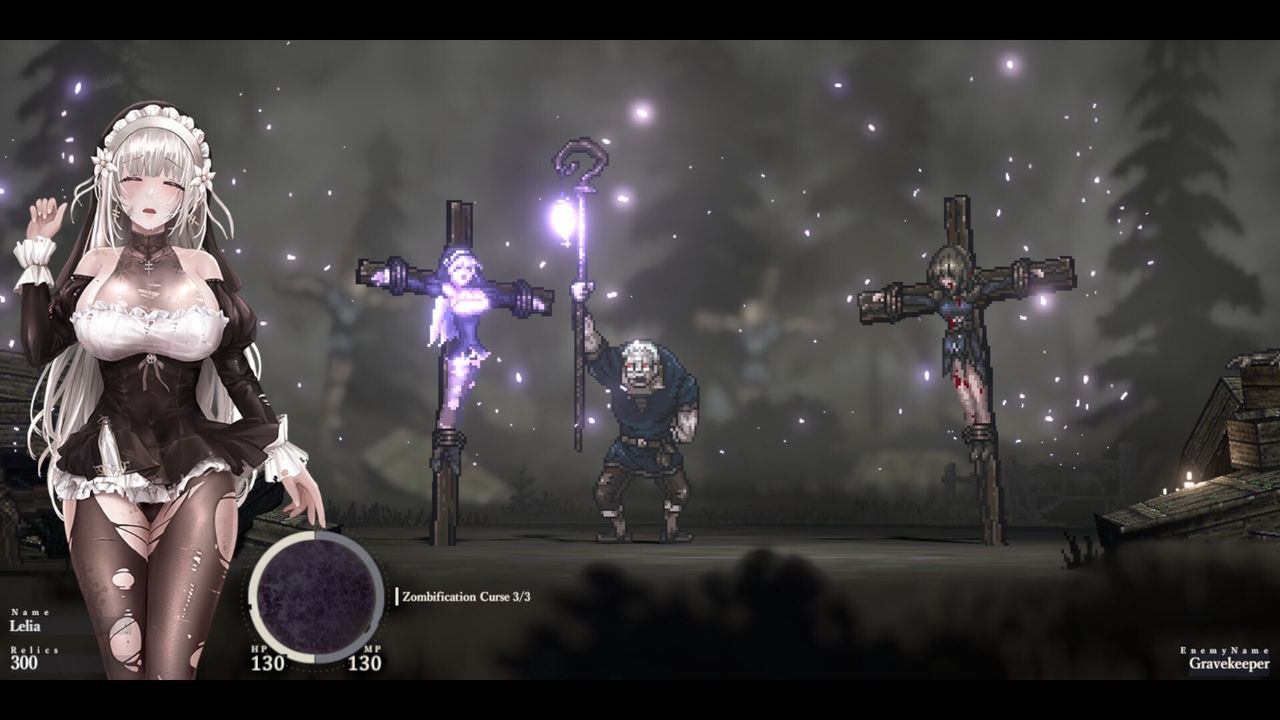
The Steam release is described on the store page as a pixel-art dark action RPG, and the publisher's own materials describe the external patch as optional for players who want the uncut version. Nothing about this split affects normal play: the store build installs, updates and cloud-saves like any other game, and it carries the same 26 achievements and the same supported languages, Japanese, English, Simplified Chinese, Traditional Chinese and Korean.
Because the uncut content is not a Steam DLC entry, there is no store toggle or version selector. If you want it, you handle it yourself with the files from the publisher.
Where to get the patch
The patch lives on the publisher's site at erogejapan.com under the SiNiSistar 2 patch page. That page lists the current version and an older version, each with several mirrors, and offers separate Windows and Mac builds. The current build listed at capture was version 1.3.1, with 1.3.0 kept as the old patch. Choose the mirror that works in your region; the files are the same.
How to install the patch on Steam
The install is a drag-and-drop job, not an installer, so keep the extracted folder open while you do it.
- Download the patch archive for your platform from the publisher's patch page.
- Extract it, then locate the folder matching your platform, for example SiNiSistar2_Patch_v1_3_1_win.
- In Steam, right-click SiNiSistar 2 and choose Manage, then Browse local files.
- Copy the Mod and SiNiSistar2_Data folders from the patch into the game folder and confirm the overwrite prompts.
- Launch the game to check the content, and repeat the copy step after your next Steam update.
At version 1.3.0 the archive was reported at around 607.5MB, so the copy takes a moment. The patch is a plain file overwrite rather than an executable, which is why it also works under Proton on Steam Deck; the SiNiSistar 2 patch Steam Deck page covers that route in detail.
FAQ
1.Why does the Steam version of SiNiSistar 2 need a patch?
The Steam release is the all-ages build with the gore and sexual elements removed. The publisher ships the uncut version separately as a patch rather than as Steam DLC, so the store build stays clean.
2.Where do I get the SiNiSistar 2 patch?
From the publisher Eroge Japan at its official patch page for SiNiSistar 2. The page hosts current and older versions with mirrors for PC and Mac.
3.Does the patch come back after a Steam update?
No. Steam updates overwrite the local game files, so you have to repeat the copy step after every update. You only need to fetch the patch again if it gets its own update.
4.Is the patch available for Mac?
Yes. The publisher's patch page lists both Windows and Mac builds, and the Steam store page confirms Mac as a supported platform.
More in Editions & Stores
More editions & stores pages in SiNiSistar 2.
References
- SiNiSistar 2 R18 Patch
- How to Get the Sinisistar 2 R18 Patch and Install It on Steam
- SiNiSistar 2 on Steam
Facts on this page are compiled from the references above. Items marked "to confirm" are single-source and not yet verified.