
Truckful · Systems · Guide
Truckful Controls — Controller and Key Bindings
Truckful controls: the store page lists full controller support with gamepad recommended plus DualShock and DualSense support, and no key bindings yet.
By the Game Atlas team · Updated 2026-10-11
On this page (8)
Truckful controls are built around a gamepad first. The Steam store page lists full controller support and marks the gamepad as recommended, which is the strongest input signal the page gives, and it names both DualShock and DualSense controller support. Keyboard and mouse work on the three desktop platforms the game ships for, but the store page does not publish the default key bindings, so an exact keyboard layout is not documented yet.
Controller Support in Detail
The store page lists four separate controller entries, which is more specific than most releases. Full controller support means the whole game can be played without touching a keyboard, and the gamepad-recommended tag means the developers point players at a pad rather than at a mouse. The two PlayStation entries confirm that DualShock and DualSense pads are recognised rather than merely working through a generic driver.
| Input | Store page listing | Notes |
|---|---|---|
| Gamepad | Full controller support, recommended | The suggested way to play |
| DualShock | Supported | PlayStation 4 pads named explicitly |
| DualSense | Supported | PlayStation 5 pads named explicitly |
| Keyboard and mouse | Implied by the desktop platforms | Default bindings not documented yet |
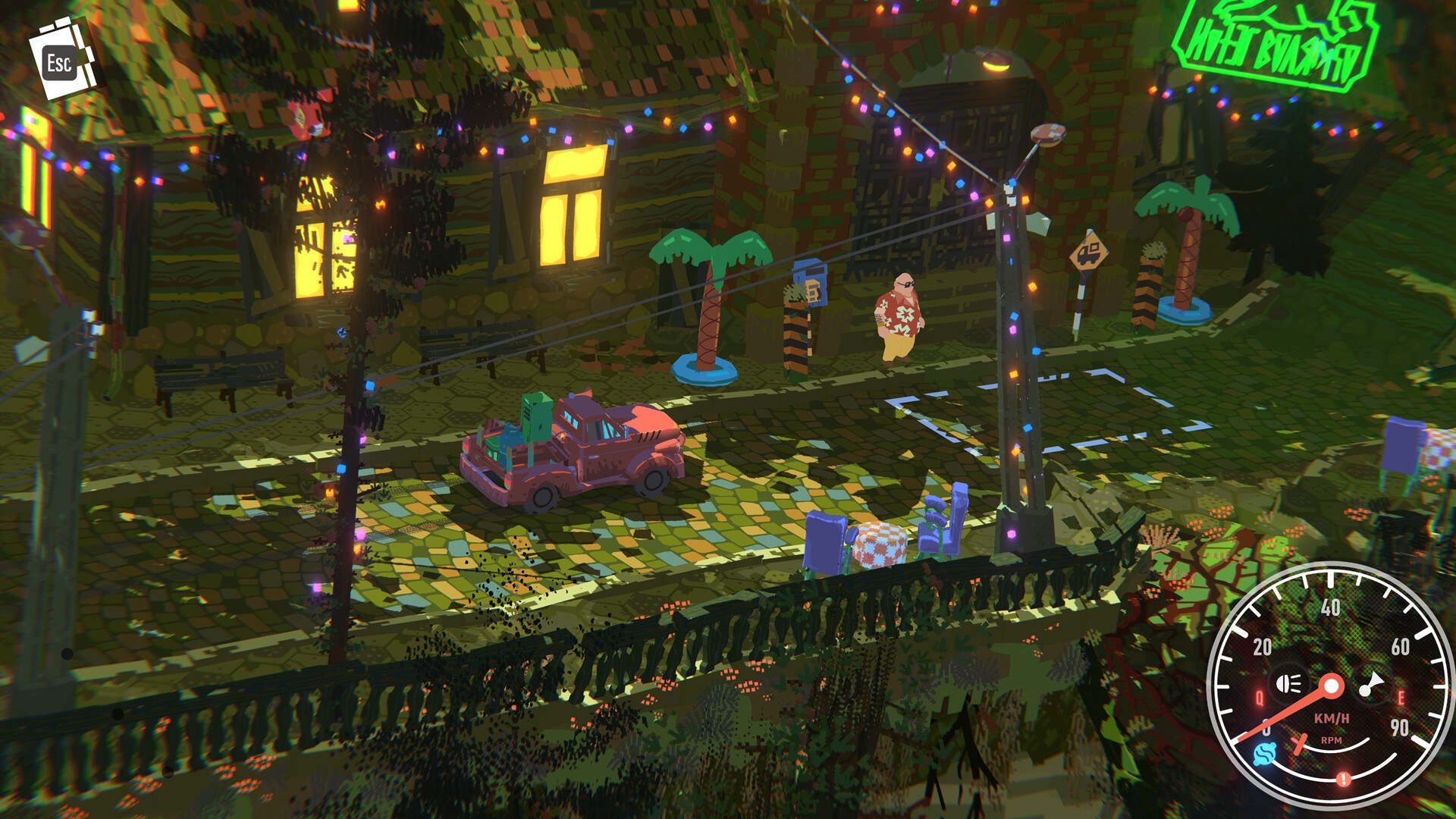
Keyboard, Mouse and Rebinding
The game runs on Windows, macOS and Linux, so keyboard and mouse input is available, but the store page stops short of listing keys or a remapping menu. That means the default layout and whether you can rebind it are both not documented yet. If you want a specific keyboard scheme, the practical move is to plug in a pad, since that is the input the store page explicitly recommends.
Choosing Your Setup
The safe reading of the store page is that a modern gamepad gives you the intended experience and a PlayStation pad works out of the box. For the platforms this applies to, see the Truckful platforms page, and for how the driving itself feels once you are set up, the Truckful gameplay page breaks down the loop.
FAQ
1.What controller support does Truckful have?
Full controller support. The Steam store page lists Full controller support and marks the gamepad as recommended, and it also lists DualShock and DualSense controller support.
2.Does Truckful work with a PlayStation controller?
Yes. The store page lists both DualShock Controller Support and DualSense Controller Support, so PlayStation 4 and PlayStation 5 pads are named as supported.
3.What are the keyboard controls?
Not documented yet. The store page confirms Windows, macOS and Linux support and full controller support, but it does not publish the default keyboard or mouse bindings.
4.Can I rebind the controls?
Not documented yet. The store page does not state whether Truckful has an in-game remapping menu, so custom binding support is unconfirmed.
5.Can I play Truckful with mouse and keyboard?
Yes, as the game runs on desktop platforms that include keyboard and mouse input, but the store page does not list the specific keys, so the default layout is not documented yet.
More in Systems
More systems pages in Truckful.
References
Facts on this page are compiled from the references above. Items marked "to confirm" are single-source and not yet verified.