
Used Cars Simulator · Systems · Guide
Used Cars Simulator Controls — Controller Support and What Is Listed
Used Cars Simulator controls: partial controller and DualShock support on the Steam page, keyboard and mouse assumed, with key bindings not published.
By the Game Atlas team · Updated 2026-10-11
On this page (8)
- What the Store Page Confirms
- What Partial Support Means in Practice
- What Is Not Published
- Does Used Cars Simulator support a controller?
- Can I play Used Cars Simulator with keyboard and mouse?
- What are the default key bindings?
- Are the controls rebindable?
- Is there a separate control scheme for driving and for the garage?
Used Cars Simulator controls are documented only at the level of input support, not key bindings. The Steam store page lists Partial Controller Support and DualShock Controller Support as two separate categories, which means a controller works but not every interaction is guaranteed to be on it. Keyboard and mouse is the safe assumption for the Windows build, and no default key map has been published.
What the Store Page Confirms
Two input facts are on the record. First, the game supports a controller partially rather than fully, and the store page lists that as its own category rather than burying it in a description. Second, DualShock Controller Support is listed separately, so a PlayStation-style pad is recognised by the game rather than relying on a generic mapping layer.
| Input | Store page status |
|---|---|
| Keyboard and mouse | Assumed default; no key map published |
| Controller | Partial Controller Support |
| DualShock pad | DualShock Controller Support listed |
| Rebindable keys | Not documented yet |
What Partial Support Means in Practice
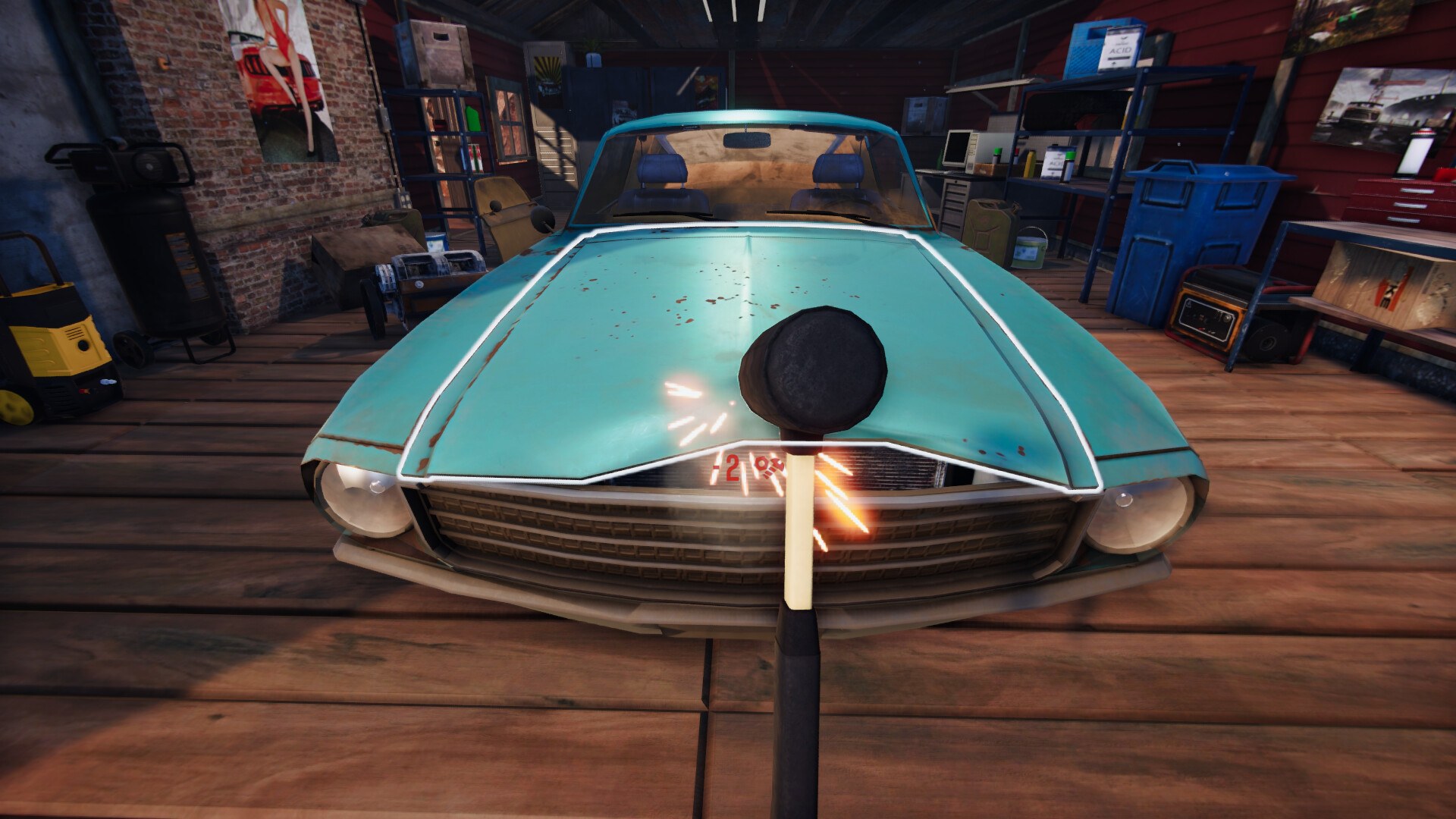
Partial support is the important qualifier. It tells you the pad is enough for the parts of the game the developers mapped, and that some screens or actions may still expect the keyboard or mouse. In a game with a garage workflow as well as driving, that split usually falls between the vehicle controls and the workshop menus, but the store page does not state where the line is, so the exact boundary is not documented yet.
- A controller is a reasonable choice for driving.
- Expect to keep a mouse nearby for some menu work.
- No published statement on which actions are pad-mapped.
What Is Not Published
Everything below the level of input support is missing from the official material. There is no default key map, no statement about whether bindings can be changed, and no description of context-specific control sets for driving versus the workshop. Because the store page is silent on all of it, this page does not fill the gap with guesses. If you are weighing a controller against a keyboard, the platforms page covers the wider compatibility picture, and the guide explains the garage workflow those controls drive.
FAQ
1.Does Used Cars Simulator support a controller?
Yes, with partial support. The Steam store page lists both Partial Controller Support and DualShock Controller Support, so a PlayStation-style pad is recognised but not every action is guaranteed to be mapped.
2.Can I play Used Cars Simulator with keyboard and mouse?
Yes. Keyboard and mouse is the default input for a Windows sim of this kind, and the store page lists no keyboard requirement that would rule it out.
3.What are the default key bindings?
Not documented yet. The Steam store page does not publish a default key map, and no official bindings list has been released.
4.Are the controls rebindable?
Not documented yet. The store page does not state whether key bindings can be changed, so no rebinding claim can be verified.
5.Is there a separate control scheme for driving and for the garage?
Not documented yet. The store page does not describe context-specific control sets, so whether driving and workshop actions use different inputs is unconfirmed.
More in Systems
More systems pages in Used Cars Simulator.
References
- Used Cars Simulator on Steam
- Used Cars Simulator app details (Steam Web API)
- DreamWay Games official site
- Used Cars Simulator Steam Community
Facts on this page are compiled from the references above. Items marked "to confirm" are single-source and not yet verified.