
Used Cars Simulator · Start Here · Guide
Used Cars Simulator Beginner Guide
A Used Cars Simulator beginner guide to the first hour: buying a car, checking its condition, haggling, repairing it and flipping it for a profit.
By the Game Atlas team · Updated 2026-10-11
On this page (10)
Used Cars Simulator is a single-player car trading sim from developer DreamWay Games, published by PlayWay S.A. and released on Windows through Steam on October 9, 2026 at $11.99. This beginner guide covers what the store page says you actually do in the opening hours: find a cheap car, check its condition, negotiate the price, repair and clean it, and sell it for more than you paid.
What the First Hour Looks Like
The store page frames the opening as a story beat rather than a tutorial. It all starts, in the official wording, when you meet a beautiful woman in a red dress at your favourite bar, and from there you grow a business out of an old shed. You begin with little money and nothing to lose, which is the game's own way of saying your first purchase will be a cheap, rough car rather than a tidy one.
Because the store page describes the setting as an abandoned city with a desert around it, your early driving is also your early scouting. The world exploration feature and the metal detector in the desert are both listed as things you can do between sales, so the first hour is really about finding one car you can afford and learning what the garage tools do.
The Buy, Fix, Sell Loop
Everything in the game hangs off one repeating cycle, and the store page spells it out in four labelled sections. The table below maps each official step to what it means in practice.
| Store page step | What the game asks you to do |
|---|---|
| Find a good offer | Locate a car, check its condition, negotiate the price, then buy it |
| Fix the car | Repair dents, order and install missing parts, wash it and repaint it |
| Be bad | Get cars through the less legal routes the store page hints at |
| Have fun | Drift, jump and compare scores on the leaderboards |
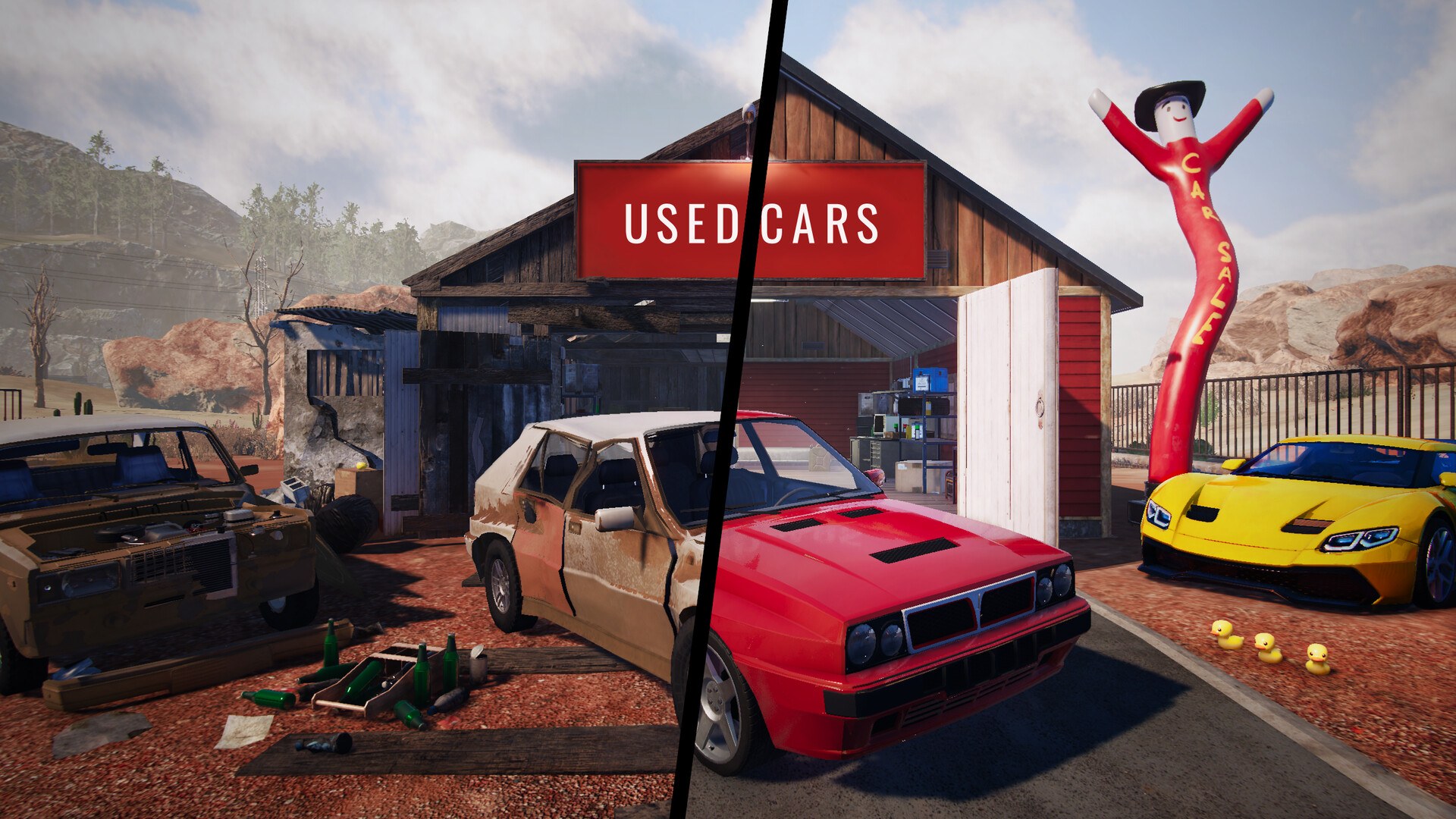
The order matters more than it looks. Condition checking happens before negotiation on purpose, because the store page lists the negotiation as a separate step from the inspection, which means the price you agree is meant to reflect what you found. Missing parts are ordered rather than found, so a car with absent components is a cash-flow decision as much as a repair job.
Cash, Levels and Upgrades
The economy is visible through the achievements the store page publishes. The cash milestones run from Have $10,000 In Cash up to Have $1,000,000 In Cash, which tells you the intended spread of a full playthrough is roughly two orders of magnitude. Levelling is tracked separately, with Reach Level 2 and Reach Level 5 among the published names, and the key features list an Upgrades & Economy system alongside car trading and flipping.
- Buy A Car and Load A Car Onto The Tow Truck are the two earliest published achievements, so towing is part of the normal workflow rather than an optional extra.
- Find All 3 Rubber Ducks is a collectible achievement, which means at least three fixed pickups exist somewhere in the world.
- Steam Leaderboards are listed on the store page, so the drift and jump scores mentioned under Have Fun are compared with other players.
Where Beginners Lose Money
The most common early mistake is treating the buy price as the real cost. The store page puts repairing, ordering parts, washing and repainting all between the purchase and the sale, so a cheap car with several missing parts can easily end up costing more than a slightly more expensive one that only needs bodywork. Price the finished car, not the broken one.
The second trap is ignoring the legal side of the game. Police Interactions and Illegal Activities are listed as features in their own right, which means the cheaper routes to a car carry a documented risk that the store page deliberately leaves vague. Until the wanted system is documented, treat those routes as an advanced option rather than a beginner shortcut.
What to Read Next
Once you have sold your first car and seen how the garage flow feels, the walkthrough lays out the order of progression from the opening bar scene to a stable business. The car trading page goes deeper on pricing and flipping, and the tips page collects the habits that save the most time. If you want the raw numbers first, the platforms and system requirements pages cover what you need before you buy.
FAQ
1.What do you actually do in Used Cars Simulator?
You buy cars cheap, fix them up and sell them for more. The store page describes the loop as finding a good deal, checking the car condition, negotiating the price, then fixing dents, ordering and installing missing parts, washing and repainting the car before putting it up for sale.
2.How much money do you start with?
The store page does not publish a starting balance. It only says you start with little money and nothing to lose, and the first cash achievement is Have $10,000 In Cash, so that is the earliest documented milestone.
3.Where does the game take place?
The store page describes growing your business in an old shed, driving around an abandoned city, and wandering the desert with a metal detector. The opening scene is set in a bar where you meet a woman in a red dress.
4.Can you get cars illegally?
Yes, the store page lists Illegal Activities and Police Interactions as key features and says there are many ways to get cars, all of them fine as long as the police do not catch you. It does not document how the wanted system works.
5.Is Used Cars Simulator multiplayer?
No. The Steam store page lists Single-player only, with no co-op or online mode, and there is no Steam Workshop support for the game.
More in Start Here
More start here pages in Used Cars Simulator.
References
- Used Cars Simulator on Steam
- Used Cars Simulator app details (Steam Web API)
- DreamWay Games official site
- Used Cars Simulator Steam Community
Facts on this page are compiled from the references above. Items marked "to confirm" are single-source and not yet verified.