
DROWSE · Systems · Guide
DROWSE Tips for a Clean First Playthrough
DROWSE tips for new players: slow exploration, reading every note, keeping track of items, puzzle habits and comfort settings that help in dark rooms.
By the Game Atlas team · Updated 2026-10-11
On this page (9)
- Slow Down and Examine Everything
- Build a Habit Around Items and Codes
- Use the Comfort and Accessibility Settings
- What to Do When You Feel Stuck
- What is the single most useful DROWSE habit?
- Should I play DROWSE with a controller or keyboard?
- Are there accessibility options that help?
- Can I get permanently stuck in DROWSE?
- How should I handle a code I cannot solve?
DROWSE rewards patience more than skill, so the tips that matter most are about attention rather than execution. The store page describes a game built on exploration, examining objects and environmental puzzles, with the story delivered through documents, photographs and recorded messages. If you read everything and check every drawer, you will rarely be lost; if you treat rooms as corridors, you will miss both the clues and the plot.
Slow Down and Examine Everything
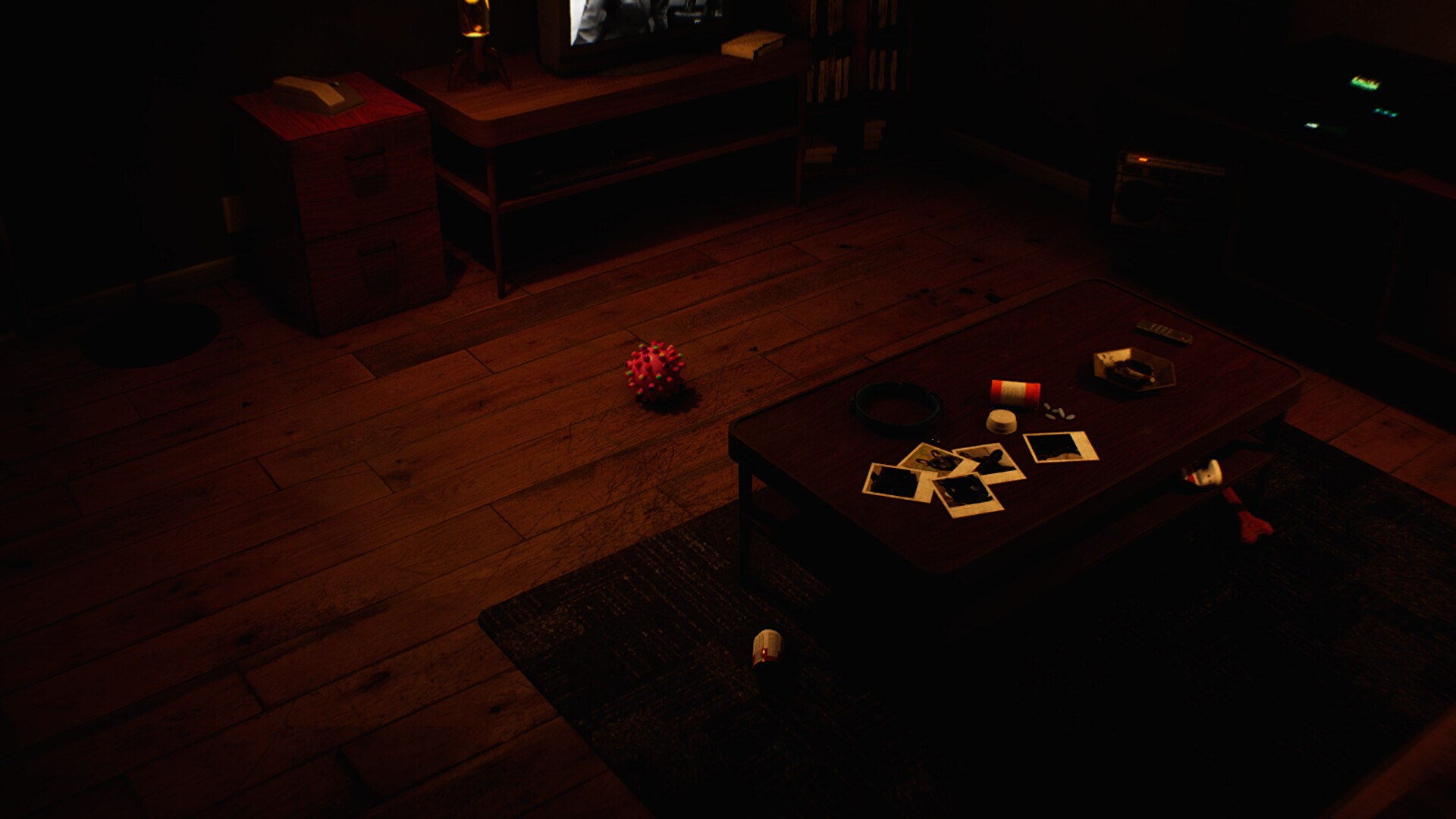
The most expensive habit in DROWSE is walking past an object because it looks decorative. The store page lists hands-on interactions as a feature, describing how you inspect belongings, search drawers and use the objects you find, and it says the story is uncovered through documents, photographs, recorded messages and encounters. Each of those is something you have to actively interact with.
- Open every drawer and search every shelf before you leave a room.
- Read notes fully; a number mentioned in passing is usually a code.
- Listen to recorded messages to the end, since they carry story and hints together.
- Look again at a room after something changes, because familiar spaces shift as unease builds.
That last point is specific to this game. The store page warns that familiar spaces change as unease builds and memories intrude, which means a second look at an old room is not wasted time. If a hallway feels different from the last time you crossed it, treat that as a signal rather than as atmosphere.
Build a Habit Around Items and Codes
The store page names the two gate types directly: find clues and work out codes, and use the items you discover to open the way forward. Both reward the same habit, which is keeping a mental list of what you are carrying and what you have read.
| Situation | Best move |
|---|---|
| A locked door with a keypad | Hunt for a written number elsewhere; do not force it |
| An item you cannot use yet | Note it and move on; the matching door is usually later |
| A note that names a person | Keep reading; it is story context you will need shortly |
| A room that looks unchanged | Re-check drawers; a disturbance may have altered one |
| A sound you cannot place | Follow it; audio cues are deliberate |
Because the store page describes no combat, no timer and no fail state, there is no cost to leaving a puzzle and returning once you have read more. That is the main tactical difference between DROWSE and a survival horror game: retreat is always safe, so the correct response to a stuck lock is more exploration, not more attempts.
Use the Comfort and Accessibility Settings
The store page lists several options that are worth setting before you start, because they address the parts of the game that carry information. Adjustable text size matters when the plot arrives as documents. Subtitle options matter when it arrives as recorded messages. Custom volume controls let you lift dialogue and audio cues above ambience, and camera comfort is available for players who find first-person movement difficult.
There is also a store category for playing at your own pace, which matches a game with no documented time pressure. The store page does not describe a difficulty setting, so there is nothing to tune there, but the comfort options are the closest equivalent and they are all player-side.
What to Do When You Feel Stuck
The store page's own instruction is to look closer and piece things together, and that is the fallback when progress stalls. If a route is blocked, the answer is almost always information you have not read yet rather than a skill you have not learned. Revisit the last room where something felt off, re-read the notes you skimmed, and check whether an item you are carrying matches the obstacle in front of you.
If you want the story beats in order rather than general advice, the walkthrough follows the sequence from the phone call to the office. The puzzles page goes deeper on clue types, and the beginner guide covers the first hour specifically.
FAQ
1.What is the single most useful DROWSE habit?
Examine everything. The store page builds both its puzzles and its story out of objects, notes and recorded messages, so an unexamined drawer is usually a missed clue rather than spare scenery.
2.Should I play DROWSE with a controller or keyboard?
Either. The store page lists full controller support, so both input methods are officially supported and the choice comes down to comfort.
3.Are there accessibility options that help?
Yes. The store page lists adjustable text size, camera comfort, custom volume controls and subtitle options, which are useful because much of the story arrives as text and audio.
4.Can I get permanently stuck in DROWSE?
No soft lock is documented. The store page describes exploration and puzzle solving rather than combat or timers, and there is no documented fail state or countdown to run out of.
5.How should I handle a code I cannot solve?
Leave it and keep reading. The store page says you find clues and work out codes, so the number you need is normally written somewhere else in the building rather than hidden behind the lock itself.
More in Systems
More systems pages in DROWSE.
References
Facts on this page are compiled from the references above. Items marked "to confirm" are single-source and not yet verified.