
Hood Warfare 2 · Start Here · Guide
Hood Warfare 2 Beginner Guide — Your First Hours in Chicago
A Hood Warfare 2 beginner guide to picking a mode, reading the match loop, leveling up, setting a loadout, and the first-hour mistakes new players make.
By the Game Atlas team · Updated 2026-10-11
On this page (10)
- Pick a Mode and Get Into a Match
- The Core Loop You Repeat
- Level Up, Unlock Weapons, Build Loadouts
- Where Beginners Get Stuck
- What to Read Next
- What should a new player do first in Hood Warfare 2?
- Can you practise against bots before playing online?
- How do you unlock weapons, attachments and skins?
- Does Hood Warfare 2 have a single-player campaign?
- What do you need to install and run it?
Hood Warfare 2 is a multiplayer first-person shooter from Trapstar Games that launched on Windows through Steam on October 8, 2026 at $5.39. The fastest way in is simple: pick a mode, join a match, and let the match teach you the map. Progression is tied to playing matches and leveling up rather than to a separate tutorial, so your first match is already the beginning of the unlock track.
Pick a Mode and Get Into a Match
The store page names six modes, and they split roughly into two families: modes where a team holds or collects something, and modes that are straight kill races. If you are brand new, a team mode is the gentler entry, because the enemy has more than one problem to solve. The store page also notes you can set up a match against bots, choosing the map, mode and match settings and adding bots to fill out the teams, which is the lowest-pressure way to learn a layout before you take it online.
There is no demo and no free trial listed on the store page, so the bot match is the closest thing to a practice range that the official material describes.
The Core Loop You Repeat
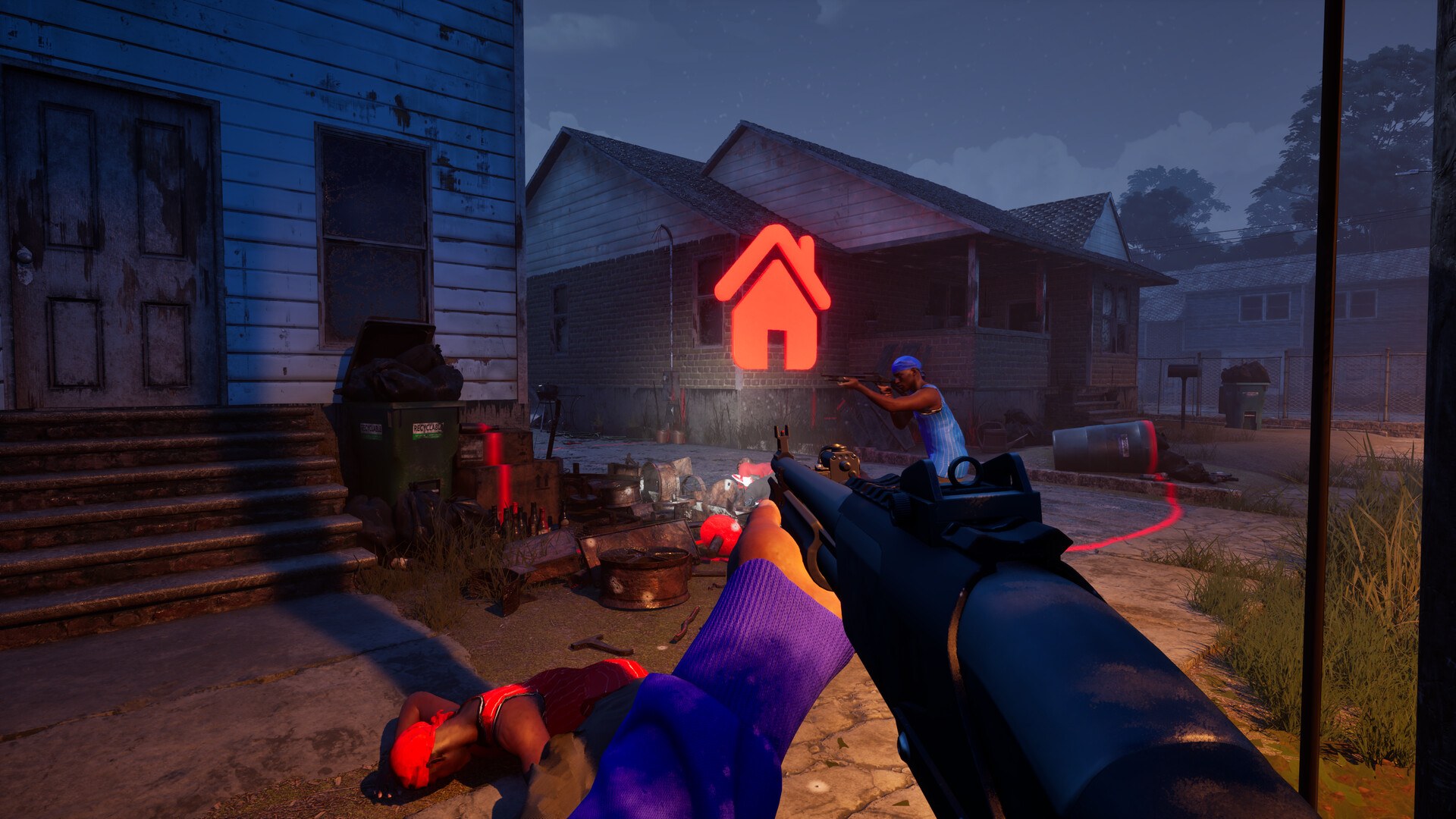
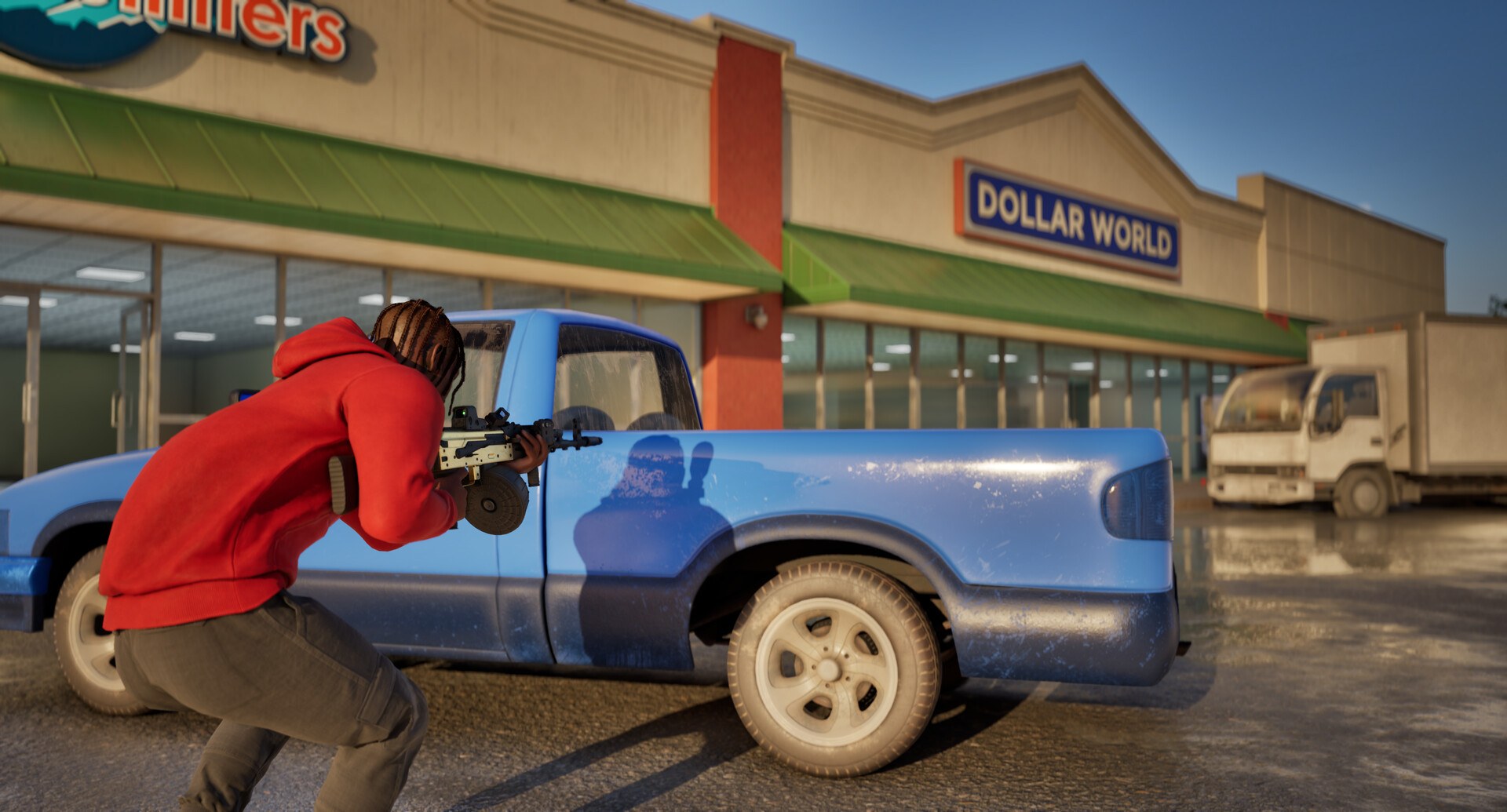
Every match follows the same broad shape: pick your gang, spawn in, fight over an objective or a kill count, and finish on a score screen. The store page frames the modes around points and kills rather than around a story, and each map is built with different routes and positions to learn, so the loop rewards map knowledge as much as raw aim. Four map areas are named: downtown, the suburbs, The Trenches, and Chicago Mall. Holding the streets and taking the fight indoors are both explicitly supported, which means the same map can play very differently depending on which route your crew commits to.
Level Up, Unlock Weapons, Build Loadouts
Progression is match-driven. The store page says you build your reputation by playing matches and leveling up to unlock more weapons and equipment. Attachments are earned through weapon challenges, and kills with each gun unlock new skins. Weapon customisation covers sights, magazines, grips, suppressors and other attachments, so a gun you like can be tuned rather than replaced. Before a match you set up a loadout with perks and equipment.
| What you want | How the store page says you get it |
|---|---|
| More weapons and equipment | Play matches and level up your reputation |
| Attachments | Complete weapon challenges |
| Weapon skins | Get kills with each gun |
| A finished loadout | Set up perks and equipment before a match |
Where Beginners Get Stuck
The most common early trap is treating this as a pure aim contest. Because points can come from holding turf or from collecting dropped chains rather than from kills alone, a player who only chases kills can post a good scoreboard line and still lose the objective. The second trap is skipping loadout setup; the store page lists perks and equipment as a pre-match step, so loading in with a default gun wastes systems you have already unlocked. The third is over-committing to one route on a map the store page describes as having different routes and positions to learn — when a lane keeps failing, the fix is usually a different approach rather than a better fight in the same spot.
What to Read Next
Once you have played a few matches, read the full gameplay breakdown for how each mode scores, then the game modes page for a mode-by-mode summary. If your frame rate is the problem rather than your tactics, start with the system requirements; if you would rather learn the game map by map, the walkthrough covers the order to approach things.
One note on tone: the store page carries a content descriptor reading "Contains violence, blood effects, crude humor, and profanity", and it includes an explicit disclaimer that the game does not promote or condone real gang violence and is a work of fiction for entertainment. The developer publishes a support address at trapstargames@protonmail.com, and no official website is listed on the store page.
FAQ
1.What should a new player do first in Hood Warfare 2?
Get into a match and play it out. The store page says you build reputation by playing matches and leveling up, so time in matches is what unlocks more weapons and equipment rather than a separate tutorial track.
2.Can you practise against bots before playing online?
Yes. The store page states you can play online with friends and other players, or set up a match against bots, choosing the map, mode and match settings and adding bots to fill out the teams.
3.How do you unlock weapons, attachments and skins?
The store page describes three paths: leveling up to unlock more weapons and equipment, earning attachments through weapon challenges, and unlocking new skins by getting kills with each gun.
4.Does Hood Warfare 2 have a single-player campaign?
The store page does not describe a story campaign. It lists a Single-player category next to Multi-player, PvP and Online PvP, and every mode it names is a competitive match that can be filled out with bots.
5.What do you need to install and run it?
Windows 10 64-bit version 1909 or newer, an Intel Core i5-9600K or AMD Ryzen 5 3600, 8 GB RAM, a GeForce GTX 1660 or Radeon RX 5600 XT 6 GB, DirectX 12, a broadband connection and 25 GB of free storage.
More in Start Here
More start here pages in Hood Warfare 2.
References
- Hood Warfare 2 on Steam
- Hood Warfare 2 app details (Steam Web API)
- Hood Warfare 2 Steam Community hub
- Hood Warfare 2 news hub on Steam
Facts on this page are compiled from the references above. Items marked "to confirm" are single-source and not yet verified.