
Superhero Simulator · Optimization · Guide
Superhero Simulator How to Use Mods — How to Pay Rent
Superhero Simulator how to use mods: subscribe on the Steam Workshop, then equip character skins from the suits tab in your wardrobe at home.
By the Game Atlas team · Updated 2026-10-08
On this page (7)
Using mods in Superhero Simulator is handled through Steam Workshop: subscribe to a mod on the game's Workshop page, launch the game, then equip what you subscribed to from the suits tab in your wardrobe at home. The Workshop page states that process directly, so for the supported character mods you do not need to move files by hand. The store also lists Steam Workshop as an official feature category, which means modding is a supported part of the game rather than an unofficial workaround.
How to subscribe and equip a mod
The flow has two steps, and both are documented on the Workshop page. First, subscribe to the mod on the Workshop, which is Steam's normal one-click subscribe for the game. Second, enter the game and open the wardrobe at home, then use the mod you want from the suits tab.
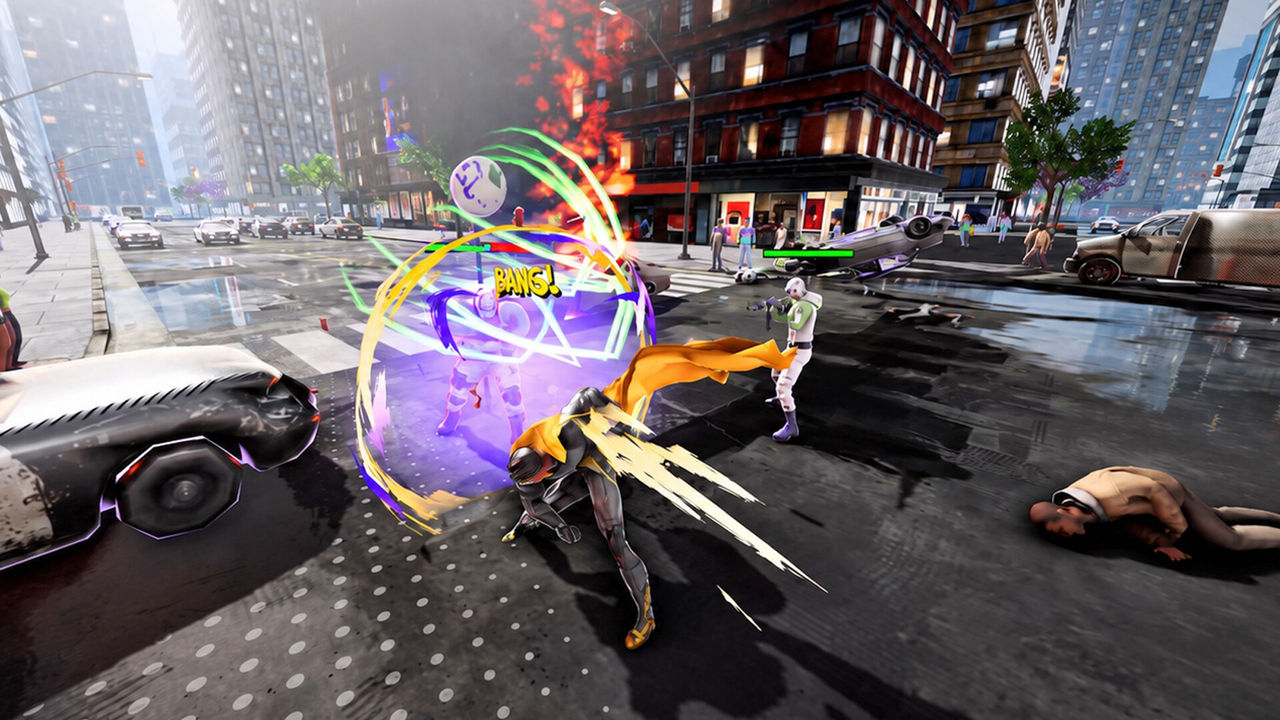
Because the equip step lives in the wardrobe rather than in a separate mod menu, the practical rule is simple: subscribe, then go home and dress the hero. If a mod does not show up, updating the game and re-checking the Workshop subscription is the reasonable first response, though the sources do not document a specific troubleshooting sequence, so to confirm.
What mods can change
The Workshop catalogue for the game is overwhelmingly about appearance. Character and suit skins dominate, and the popular listings include both original-looking heroes and named pastiches. That makes modding the fastest way to widen the look of a game whose base creator is limited.
- Character skins such as Invincible, Omni-Man and Homelander.
- Hero pastiches including Superman, Spider-Man, Batman and Goku.
- Female-character skins such as Atom Eve and Captain Marvel.
- Costume variants like Invincible VS yellow suit and classic Invincible.
Mods and the rent loop
Cosmetic mods do not bend the survival rules. Rent is still charged automatically every 5 days for 300 Gollars, and a new skin does not change the charge or the homeless state that follows a missed payment. Treat mods as a look-and-feel layer on top of an economy that runs the same either way. The paying rent page covers that timer, and the guide puts mods in context with the rest of the systems.
FAQ
1.How do I install mods in Superhero Simulator?
Through Steam Workshop. Subscribe to the mod on the game's Workshop page, then enter the game and equip what you subscribed to from the suits tab in your wardrobe at home, as the Workshop page states.
2.Do I need to move files by hand to mod the game?
No. For the supported Workshop mods, subscribing handles the install, and the content is then selected in-game from the wardrobe's suits tab rather than placed in folders manually.
3.What kind of mods exist for the game?
The Workshop listing is dominated by character and suit skins, with names such as Invincible, Omni-Man, Homelander, Atom Eve, Superman, Spider-Man, Batman, Goku, Genos and Captain Marvel.
4.Do mods change how rent works?
No. Mods change appearance, not the survival rules. Rent of 300 Gollars is charged automatically every 5 days regardless of which skins you have equipped.
References
- The Steam Workshop for Superhero Simulator
- Superhero Simulator on Steam
- Superhero Simulator - Steam Community hub
Facts on this page are compiled from the references above. Items marked "to confirm" are single-source and not yet verified.