
Superhero Simulator · Systems · Guide
Superhero Simulator How To Pay Rent
Superhero Simulator how to pay rent: rent is charged every 5 days for 300 Gollars, and missing it makes your hero homeless until you pay up again.
By the Game Atlas team · Updated 2026-10-08
On this page (10)
- How the rent timer works
- What happens when you miss a payment
- How to get back into your house
- How to earn Gollars fast
- How to never go homeless
- How much is rent and how often is it charged?
- What happens if I cannot pay rent on time?
- How do I find my house to pay the rent?
- How do I earn Gollars quickly?
- Can I avoid going homeless altogether?
To pay rent in Superhero Simulator you do not visit a landlord: rent is charged automatically every 5 days and costs 300 Gollars, as the developer explains in the game's Steam discussions. Keep at least 300 Gollars in your wallet and the charge clears by itself. If the money is not there when the timer fires, your hero becomes homeless, and you then have to save 300 Gollars and pay at your house door to get back inside. Rent never stops, so the real skill is budgeting between hero work and a job.
How the rent timer works
Rent runs on a five-day cycle and is deducted from your balance without a prompt to accept or decline. The developer's reply in the "Cant Pay Rent?" thread is the clearest source: the rent is automatically charged every 5 days, costing 300 Gollars, and if you do not have enough money at that time your character becomes homeless. That means there is no hidden menu or landlord to find while you can pay — the mechanic is purely a budget check against your wallet.
| Rent question | Documented answer |
|---|---|
| How often is it charged? | Every 5 days, automatically |
| How much is it? | 300 Gollars |
| Do you pay it manually? | No, it is deducted from your balance |
| Failure state | Your character becomes homeless |
| Recovery | Save 300 Gollars and pay at the house door |
What happens when you miss a payment
Missing the payment does not end the run, but it does lock you out of your home. The developer's answer describes the outcome simply: your character becomes homeless. Practically, that removes your base and the routines tied to it until you can cover the rent again.
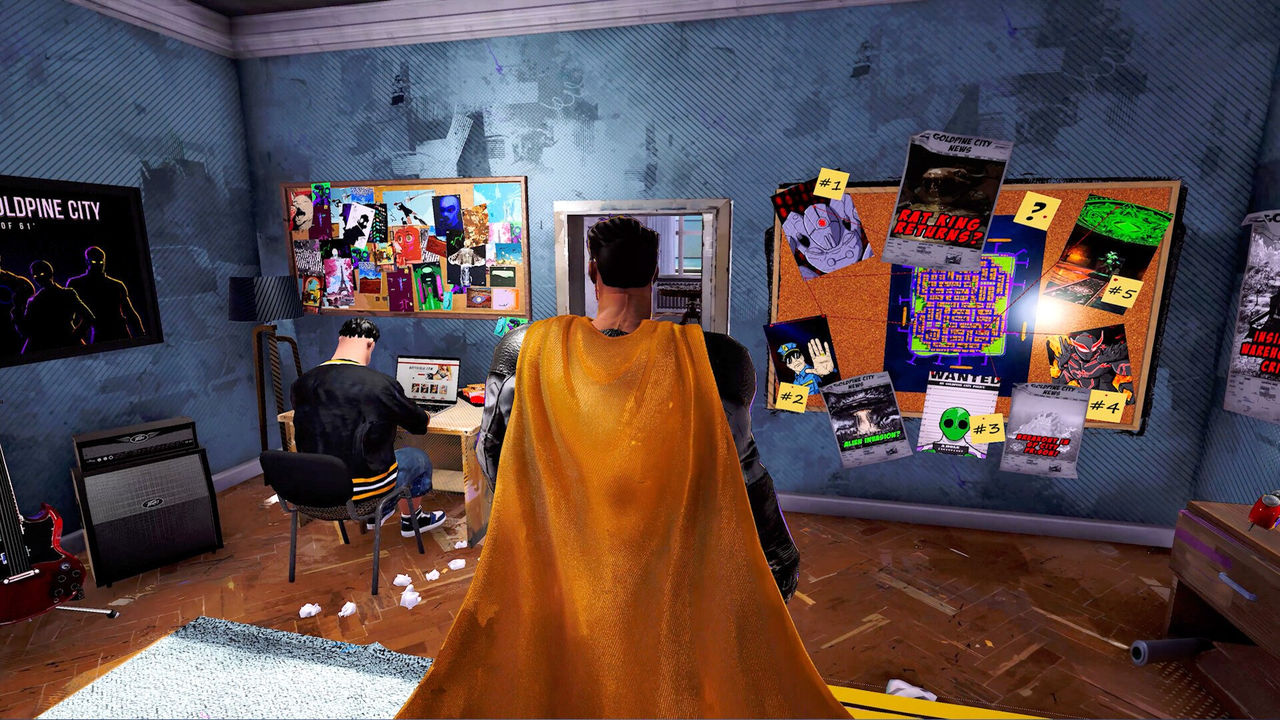
The good news is that the state is reversible. There is no permanent eviction and no escalating fine described anywhere in the sources — you simply owe the 300 Gollars again on the next chance you get to pay.
How to get back into your house
The recovery route is short and specific. Press Tab, open the map, and select the Home icon to mark and reach your house, then bring 300 Gollars to the entrance and pay the rent to re-enter. That is the whole process the developer documents for going from homeless back to housed.

Once you are back inside, the five-day timer restarts as normal, so it is worth building a cash cushion immediately rather than spending back down to zero. The guide covers how rent connects to the rest of the survival systems.
How to earn Gollars fast
Gollars are the only currency, and the store page is blunt that heroic deeds do not pay the bills on their own. You earn them through ordinary work, and the two jobs the store page names are driving a taxi and flipping burgers. Hero work still matters for progression, but the job side is what keeps the rent covered.
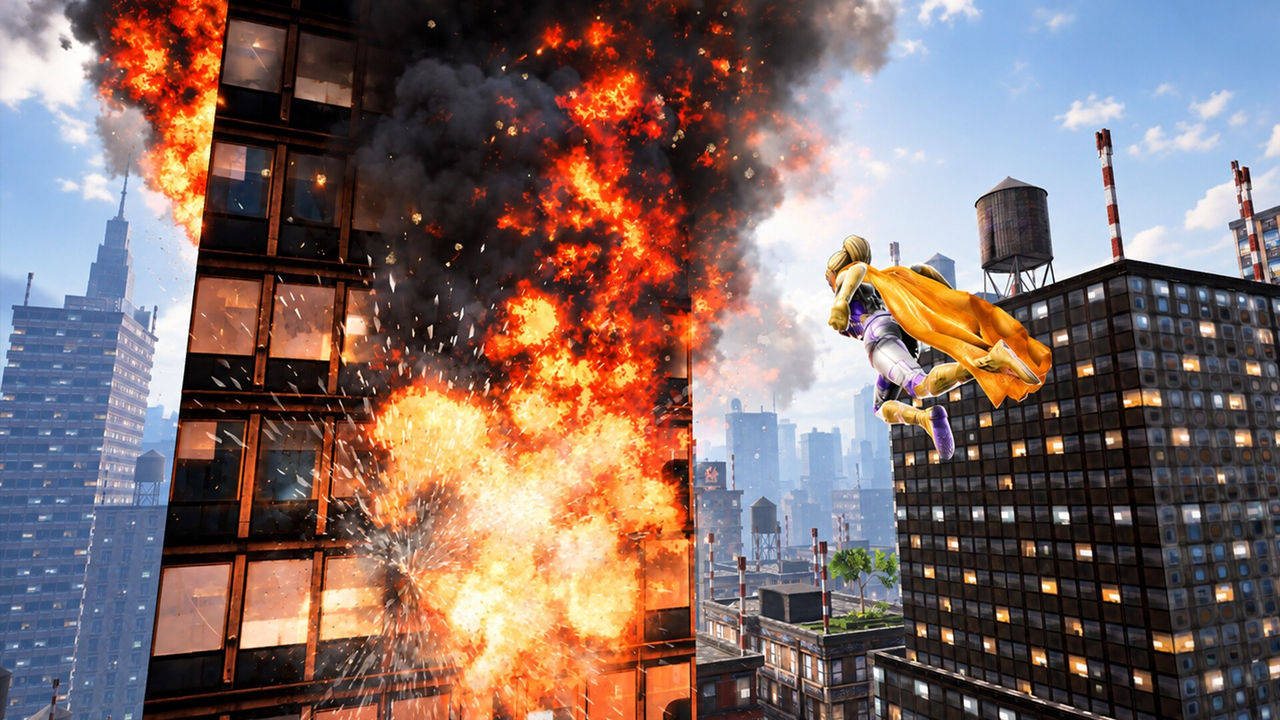
- Drive a taxi, one of the two named jobs.
- Flip burgers, the other named job.
- Treat hero work as progression, not as your main income.
- Spend Gollars carefully: they cover both food and gear upgrades.
How to never go homeless
The simplest insurance against the homeless state is to keep 300 Gollars untouched at all times. Because the charge is automatic, the only failure mode is being broke on the exact day it fires, so a standing buffer removes the risk entirely.
- Keep a 300 Gollar buffer and do not spend below it.
- Check your wallet before buying gear upgrades.
- Work a job during the quiet parts of the day/night cycle.
- After a payment clears, rebuild the buffer before spending again.
Pair this with the skill points page so that the money you do spend on upgrades is spent on progression that helps you earn faster.
FAQ
1.How much is rent and how often is it charged?
Rent costs 300 Gollars and is charged automatically every 5 days, per the developer's answer in the Steam discussions. There is no manual payment step while you can afford it.
2.What happens if I cannot pay rent on time?
Your character becomes homeless. The house door is then locked until you save 300 Gollars, return to the entrance and pay the rent to re-enter.
3.How do I find my house to pay the rent?
Press Tab to open the map and select the Home icon. That marks your house, and once you have 300 Gollars you can pay there to get back inside.
4.How do I earn Gollars quickly?
Take ordinary jobs such as driving a taxi or flipping burgers, and sell the value of your hero work. The store page stresses that heroics alone do not pay the bills, so a steady job is the reliable source of Gollars.
5.Can I avoid going homeless altogether?
Yes. Treat 300 Gollars as a floor in your wallet rather than spending money, keep the buffer topped up, and the automatic charge clears every cycle without putting you on the street.
More in Systems
More systems pages in Superhero Simulator.
References
- Cant Pay Rent? - Superhero Simulator General Discussions
- Superhero Simulator on Steam
- Superhero Simulator - Steam Community hub
Facts on this page are compiled from the references above. Items marked "to confirm" are single-source and not yet verified.