
The Walking Trade · Systems · Guide
The Walking Trade Mods — How to Heal Customers
This The Walking Trade mods guide covers the Nexus Mods library, the best fixes and quality-of-life mods, install notes and the Mod Menu API.
By the Game Atlas team · Updated 2026-10-05
On this page (9)
- Where The Walking Trade mods live
- The mods worth installing first
- Installing mods, the Mod Menu API and customer healing
- Where do I get The Walking Trade mods?
- Does The Walking Trade support Steam Workshop?
- What is the Mod Menu API?
- Which mods fix performance problems?
- Is there a mod that heals customers?
- Do mods break after patches?
The Walking Trade has a small but active mod library on Nexus Mods, with 30 mods and 1 collection listed for the game. There is no Steam Workshop support, so Nexus is where everything lives. This The Walking Trade mods guide covers where the mods are hosted, which ones are worth installing first, how the Mod Menu API works, and whether any mod can heal customers.
Where The Walking Trade mods live
Nexus Mods is the home of The Walking Trade modding. The game's Nexus hub listed 30 mods, 1 collection and no media entries when it was captured, and the trending slots at that moment were both Thai localisation mods. Steam Workshop support does not exist: in a March 2026 Steam forum thread titled "Workshop/Mod support", a player asked whether mod or Workshop support was planned, and the reply simply linked to the Nexus Mods page for the game.
That split matters practically. Nexus mods are downloaded and installed by hand rather than subscribed to through Steam, and the game ships an in-game mod menu framework that several mods build on. A handful of the library is localisation work, which tells you the community is filling language gaps as well as fixing gameplay.
The mods worth installing first
The library splits into three rough groups: stability fixes, AI and quality-of-life improvements, and cosmetic or localisation work. Most of the most-downloaded mods come from a single author, MrMadmer, who covers fixes, AI behaviour, the mod menu and visual options.
| Mod | Author | What it does |
|---|---|---|
| Smarter Cleaners | MrMadmer | Cleaner NPCs use boxes and cart baskets, collect multiple items at once and restock with better priorities |
| Smarter Security Guards (SSG) | MrMadmer | Ranged guards keep distance, reposition and avoid close-range fights |
| Mod Menu Plus | MrMadmer | Refines the Mod Menu API with in-game language support and access from the main and pause menus |
| More Worker Looks | MrMadmer | Expands the hireable workforce with compatible customer character models and keeps looks after save and load |
| Item Fallthrough Fix | MrMadmer | Returns loose objects that fall through the world instead of losing them under the map |
| Game Speed Fix | MrMadmer | Fixes FPS-dependent gameplay speed so movement and mouse sensitivity stay consistent |
| Containers Stack Fix | MrMadmer | Restores container stacks that load above empty container stands |
| Enhanced Anti-Aliasing | MrMadmer | Adds FXAA, SMAA, TAA, AMD FSR and NVIDIA DLSS options to the video settings |
| The Border Trade | MrMadmer | Adds a comic outline style with adjustable thickness and draw distance |
| Toggle HUD | MrMadmer | Hides or shows the gameplay HUD with the H key, rebindable through the Mod Menu API |
| Restart Current Day | MrMadmer | Adds a localised Restart Day button to the pause menu |
| Continue Last Session | MrMadmer | Adds a Continue button that loads your most recent save slot |
| Snap Mode | e3D9c | Snaps and aligns objects when you bring them near cupboards, pallets or walls |
| Thai Localization | BestGamingCh | Thai localisation for the game |
| Ukrainian Localization | QQWhisper | Adds a Ukrainian translation for the interface, menus, items, dialogues and in-game text |
Installing mods, the Mod Menu API and customer healing
Install order matters more than install method. Start with Mod Menu Plus, because it is the framework several other mods expect and it exposes the menu from both the main menu and the pause screen. Add the stability fixes next, then the AI mods, and leave cosmetic mods such as The Border Trade for last so you can tell a rendering problem from a gameplay problem.
The most valuable fixes line up directly with the game's known rough edges. The Guide Hall review reported items spinning into the ceiling, characters getting stuck in the environment and customers shoving the player around, and the Nexus library answers those with Item Fallthrough Fix, Containers Stack Fix, Smarter Cleaners and Smarter Security Guards. Hotfix 1.2.6 also overhauled pallet physics and upgraded the engine to address memory leaks, so keep an eye on whether a physics-related mod is still needed after each patch.
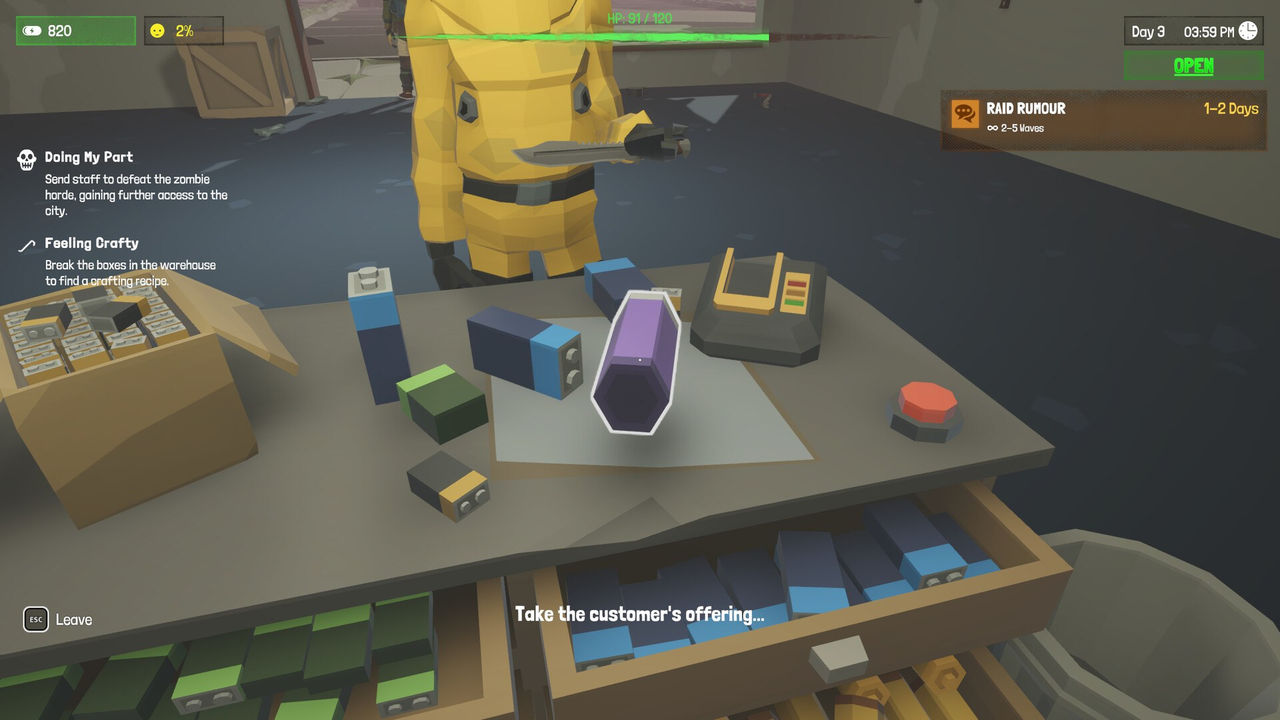
There is no mod that heals customers. Nothing in the Nexus listing is described as restoring customer health, and because the base game does not document a healing mechanic, there is nothing for a mod to patch. The closest indirect options are Smarter Security Guards, which keeps ranged guards fighting at a distance so shoppers are less likely to be caught, and More Worker Looks, which reuses customer character models for hireable staff. A player suggestion thread has asked the developers to turn the medical ward into a real healing service, but no mod or official feature currently does that (to confirm).
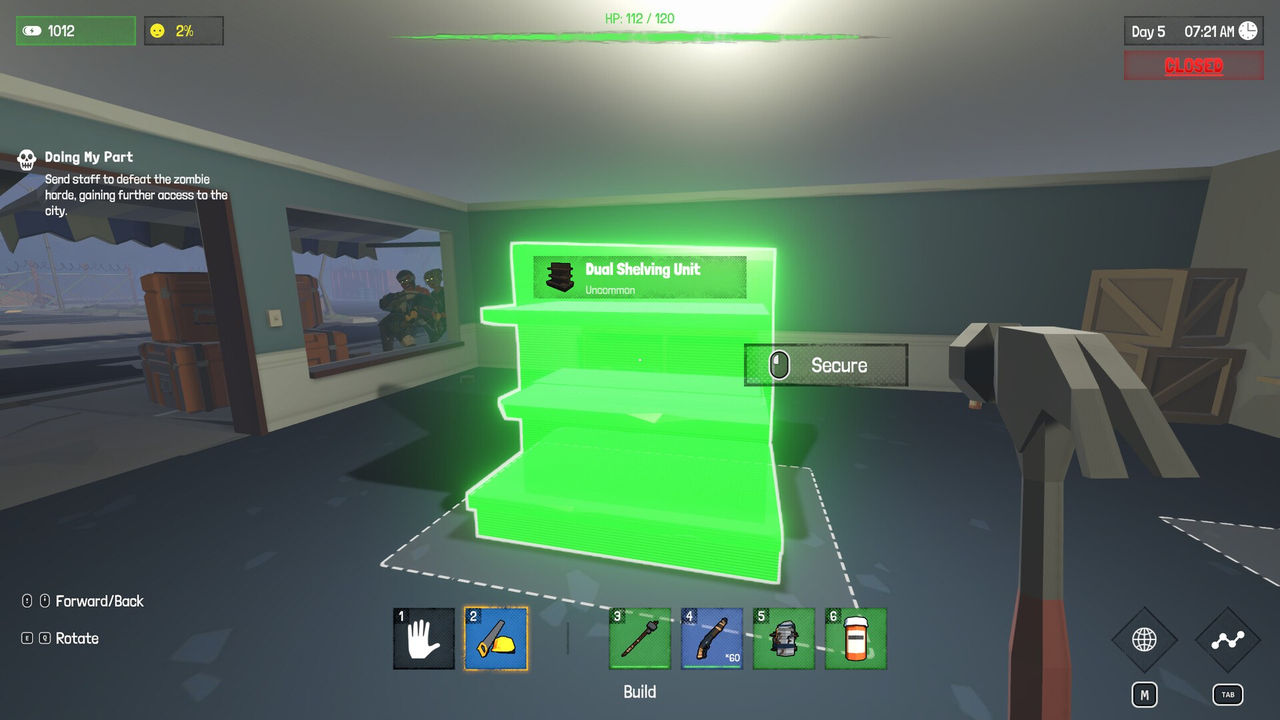
Two habits keep a modded install stable. Read each mod page before installing, because the library mixes small fixes with a 77.9 MB anti-aliasing package and the file sizes tell you how much is being replaced. And re-check your loadout after every hotfix: version 1.2.6 changed pallet physics and the engine version, version 1.2.7 changed item recovery and multi-crafting, and version 1.2.8 changed cleaner behaviour, which is exactly the ground that several of the most popular mods cover.
FAQ
1.Where do I get The Walking Trade mods?
Nexus Mods hosts the library at nexusmods.com/games/thewalkingtrade, and the listing showed 30 mods and 1 collection when it was captured. Steam Workshop support is not available for the game.
2.Does The Walking Trade support Steam Workshop?
No. A March 2026 Steam forum thread asking about mod or Workshop support was answered with a link to the Nexus Mods page, and the developers have not shipped Workshop integration. Modding happens outside Steam.
3.What is the Mod Menu API?
It is the in-game framework that mods hook into. Several Nexus mods reference it directly, and the Mod Menu Plus mod refines it with full in-game language support, an improved interface, and access from both the main menu and the pause menu.
4.Which mods fix performance problems?
Game Speed Fix corrects FPS-dependent gameplay speed so movement and mouse sensitivity stay consistent, Enhanced Anti-Aliasing adds FXAA, SMAA, TAA, AMD FSR and NVIDIA DLSS options, and Item Fallthrough Fix returns loose objects that fall through the world.
5.Is there a mod that heals customers?
No mod on the Nexus listing is described as healing customers. The closest options affect customers indirectly: Smarter Security Guards makes ranged guards fight at distance, and More Worker Looks expands hireable staff with customer character models.
6.Do mods break after patches?
The Walking Trade has shipped frequent hotfixes since launch, including engine and pallet overhauls in version 1.2.6. Mods that touch physics, item behaviour or the menu framework are the most exposed, so check each mod page for a recent update date.
More in Systems
More systems pages in The Walking Trade.
References
- The Walking Trade on Nexus Mods
- The Walking Trade - Workshop/Mod support
- The Walking Trade on Steam
- The Walking Trade Review | Supply, Demand… and Decay
Facts on this page are compiled from the references above. Items marked "to confirm" are single-source and not yet verified.