
Gladio Mori · Start Here · Guide
Gladio Mori How to Install Mods — Best Moveset
Gladio Mori how to install mods: subscribe through the in-game mod browser that runs on mod.io, or add code mods from Thunderstore with a mod manager.
By the Game Atlas team · Updated 2026-10-05
On this page (12)
- How mods work in Gladio Mori
- Installing mods through the in-game mod browser
- Installing mods from Thunderstore
- Local mods, multiplayer mods and the demo
- What is not documented about mod installs
- How do I install mods in Gladio Mori?
- Do I need BepInEx for Gladio Mori mods?
- Which mod manager should I use for Gladio Mori?
- Why do some Gladio Mori mods not work in multiplayer?
- Does the demo work with mods?
- How many mods are available for Gladio Mori?
- Is there an official Gladio Mori modding tutorial?
You install Gladio Mori mods in one of two ways: subscribe to them through the in-game mod browser that runs on mod.io, or add them from Thunderstore with a mod manager such as r2modman or GaleModManager. The in-game browser is the route the developers built into 1.0 and it covers movesets, weapons, armour, skins and arenas. Thunderstore is the older community route and it is where most of the game's code-side mods live. This page walks both paths and is clear about where the documentation stops.
How mods work in Gladio Mori
Gladio Mori does not use Steam Workshop. Mod distribution runs through mod.io, whose Gladio Mori page lists Windows, Xbox Series X/S and PlayStation 5 as supported platforms, and through Thunderstore for the manual BepInEx route. The in-game menu arrived with the mod.io integration, and the September 24, 2026 hotfix, version 1.0.3.2, cleaned it up: the old Mods menu button was renamed Mod browser, a Mod Manager menu was added, and a bug that registered stray mouse clicks when navigating back from the browser was fixed.
What mods can change is broad. mod.io describes the catalogue as custom attacks, weapons, armour and arenas, and the live listings include movesets, player skins, equipment packs and complete arenas. Anything that only reskins or replaces content tends to be a single small file, while the largest entries are multi-megabyte equipment packs.
| Mod source | What it hosts | How you install it |
|---|---|---|
| mod.io | Movesets, weapons, armour, skins, arenas | In-game Mod browser, subscribe to an entry |
| Thunderstore | Code mods, tools, mod managers, BepInEx packs | A mod manager such as r2modman or GaleModManager |
| Manual BepInEx drop | Framework and config files | Copy into the game folder, not documented officially |
Installing mods through the in-game mod browser
This is the only route the developers ship themselves, and it is the one to try first because it does not touch the game folder. The menu is reached from the main menu, where the Mod browser button now sits after the 1.0.3.2 rename. Each entry lists what it contains along with its file size and download count.
- Launch Gladio Mori and open the Mod browser from the main menu.
- Browse or search the mod.io catalogue for Gladio Mori content.
- Open an entry, check whether it is labelled as a local or a multiplayer mod, then subscribe.
- Confirm the mod appears in the Mod Manager menu and enable it before starting a match.
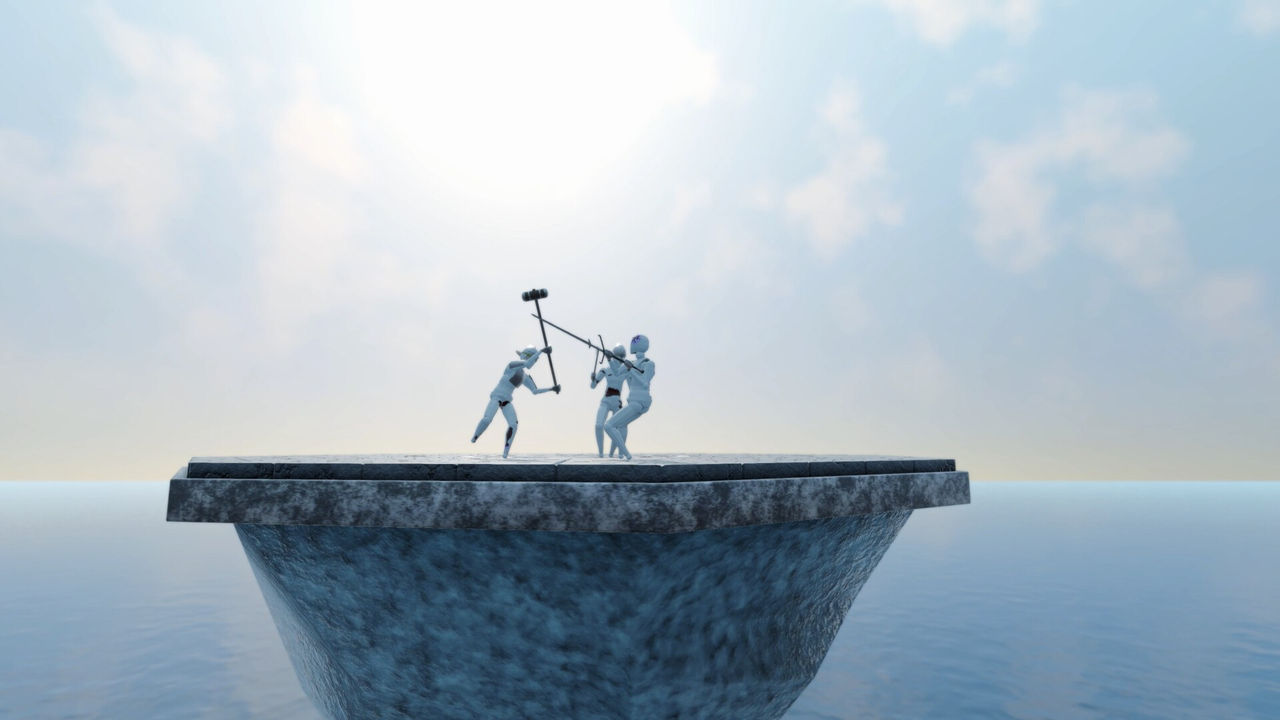
The in-game route is convenience, not a guarantee. The official patch notes confirm that the browser and the Mod Manager menu exist, but they do not describe every click, so the order above follows the menu structure rather than a developer walkthrough, which is not documented yet.
Installing mods from Thunderstore
Thunderstore is where the code-side mods live, and it is the route that needs a mod manager. When checked in early October 2026 the Gladio Mori community page showed 23 results, with three packages pinned at the top: r2modman, the BepInExPack, and the HideManagerGameObject Config. r2modman is the general-purpose manager, BepInExPack is the framework that Mono Unity games need for code mods, and the config package sets HideManagerGameObject to true.
A community tool such as GaleModManager works the same way: point the manager at the Gladio Mori profile, install the BepInEx pack first, then add the mods on top. Tools on that page go well beyond cosmetics, including a camera preset editor, a first-person camera replacement, a performance stabiliser whose author says it keeps 16-player lobbies above 30fps, and a gravity setting tunable from 0.05x to 5.00x. Those descriptions are the authors' own words rather than developer statements, so treat the performance claims as to confirm.
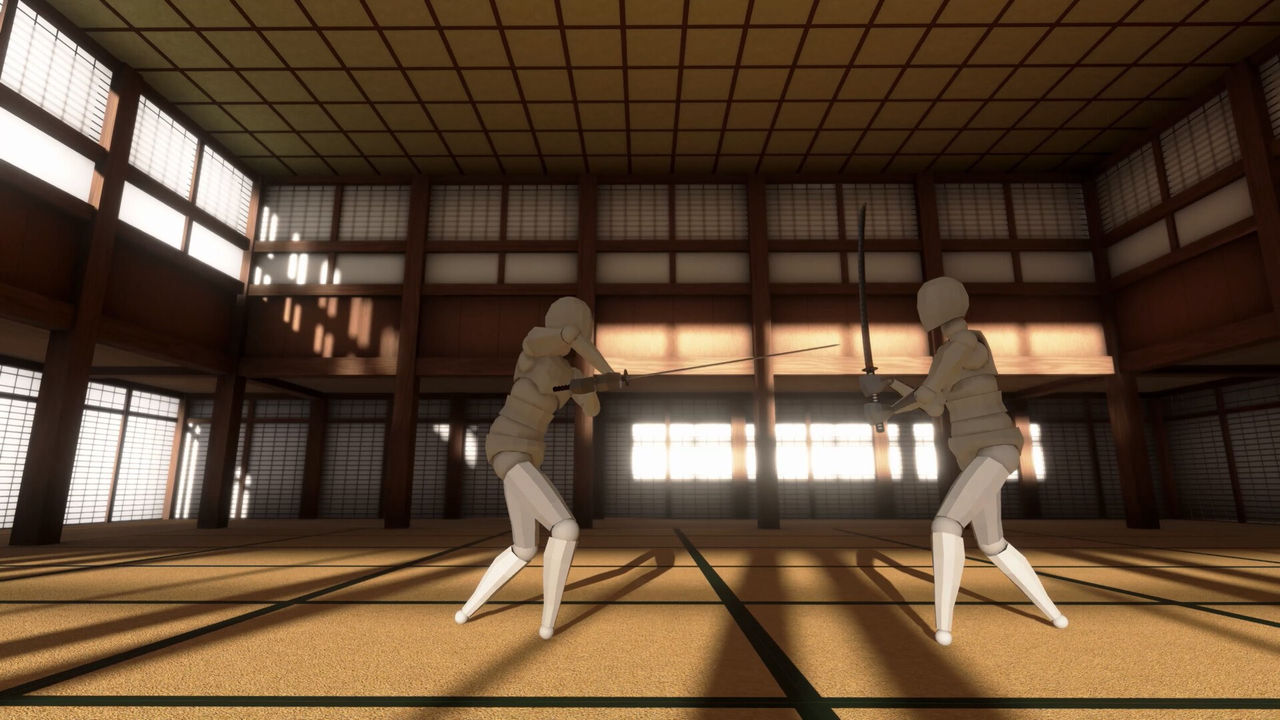
Local mods, multiplayer mods and the demo
mod.io labels every entry, and the label decides where it is safe to use the mod. A Local mod is for solo play or for a private session where nobody else minds, while a Multiplayer mod is built to survive online play. The distinction is not cosmetic: the Thunderstore Custom Map Loader states that it only functions when every player in the match has the mod installed, and a mismatched lobby will simply not load the map.
The demo adds a second wrinkle. Version 1.0.3.2 gave crossplay lobby hosts a button that sets the lobby to be demo compatible, and the patch notes say plainly that it only changes settings, so mods have to be disabled manually. A host who presses the button and leaves mods active will still produce a lobby that a demo player cannot join.
What is not documented about mod installs
There is no official Gladio Mori modding walkthrough. The patch notes document the menu, mod.io lists the catalogue, and Thunderstore provides the packages, but none of the three publishes a full install guide, folder paths, or a supported-version matrix. Console mod support is also thin: mod.io lists PS5 and Xbox Series X/S as platforms, yet no official statement confirms how console players install or enable mods.
Two practical gaps are worth knowing before you spend time on a setup. First, mod compatibility across game patches is not tracked anywhere central, so a mod that worked on 1.0.2.1 may break on a later hotfix. Second, the mod.io and Thunderstore libraries are separate, which means a popular mod on one site is not automatically mirrored on the other. Where a specific step is missing, this page leaves it as not documented yet rather than guessing at a folder name.
The move editor is an official 1.0 feature rather than a mod: the publisher's key features describe a fully customizable editor that lets you animate your fighter's body to design efficient strikes, recreate moves from films or games, or build combos, and community-created movesets can be borrowed.
FAQ
1.How do I install mods in Gladio Mori?
The built-in route is the in-game mod browser, which runs on mod.io. Open the Mod browser from the main menu, browse the Gladio Mori catalogue and subscribe to the entries you want. The September 24, 2026 hotfix, version 1.0.3.2, renamed the old Mods menu button to Mod browser and added a separate Mod Manager menu.
2.Do I need BepInEx for Gladio Mori mods?
Only for code mods. Thunderstore lists a pinned BepInExPack for Gladio Mori and describes it as a BepInEx pack for Mono Unity games, which is what the game is built on. Content entries that only add movesets, weapons or skins are handled through mod.io without it, to confirm for each individual package.
3.Which mod manager should I use for Gladio Mori?
Thunderstore pins two tools at the top of its Gladio Mori page: r2modman by ebkr, described as a simple and easy to use mod manager, and GaleModManager by Kesomannen, described as a modern and lightweight alternative. The pinned HideManagerGameObject Config is a BepInEx configuration file rather than a mod manager.
4.Why do some Gladio Mori mods not work in multiplayer?
mod.io labels each entry as a Local mod or a Multiplayer mod. Some multiplayer entries, such as the Thunderstore Custom Map Loader, only work when every player in the match has the same mod installed, so check the label and the description before using a mod in a public lobby.
5.Does the demo work with mods?
Version 1.0.3.2 added a demo-compatible button for crossplay lobby hosts, and the patch notes state that it only changes lobby settings. Mods have to be disabled manually, so a lobby is not truly demo compatible until every mod is switched off.
6.How many mods are available for Gladio Mori?
mod.io hosts the official Gladio Mori catalogue for Windows, Xbox Series X/S and PlayStation 5, while Thunderstore showed 23 results when checked in early October 2026. The two libraries are separate, so a mod published on one site is not automatically listed on the other.
7.Is there an official Gladio Mori modding tutorial?
Not documented yet. The patch notes confirm that the browser and the Mod Manager menu exist, mod.io lists the catalogue and Thunderstore hosts the packages, but none of the three publishes folder paths, an install walkthrough or a supported-version matrix.
More in Start Here
More start here pages in Gladio Mori.
References
- Gladio Mori now has in-game modding menu via mod.io!
- Gladio Mori Mods
- Packages for Gladio Mori
- Gladio Mori on Steam
Facts on this page are compiled from the references above. Items marked "to confirm" are single-source and not yet verified.