
Gladio Mori · Systems · Guide
Gladio Mori Mods — Best Moveset
Gladio Mori mods run through two libraries: the in-game mod.io browser for movesets, weapons and arenas, and Thunderstore for code mods built on BepInEx.
By the Game Atlas team · Updated 2026-10-05
On this page (9)
Gladio Mori mods arrive through two separate libraries. The in-game mod browser reads from mod.io, the platform the developers integrated directly, and it handles the content mods most players want: movesets, weapons, armour, skins and arenas. Thunderstore is the second library, and it is where the code-side mods live, including tools, camera changes and the BepInEx framework they need. Knowing which library an entry lives in decides how you install it and whether it will work in an online match.
Where Gladio Mori mods live
The official route is mod.io. Its Gladio Mori page lists Windows, Xbox Series X/S and PlayStation 5 as platforms, and the in-game browser that 1.0 ships is what reads that catalogue. The integration is recent enough that the September 24, 2026 hotfix renamed the Mods menu button to Mod browser and added a Mod Manager menu, which tells you how seriously the studio treats it as the primary channel.
Thunderstore is the community route and the older of the two. When checked in early October 2026 it showed 23 results for Gladio Mori, with r2modman, the BepInExPack and the HideManagerGameObject Config pinned at the top of the page. The pinned status matters: those three are the infrastructure that the rest of the list assumes you have.
| Library | Best for | Framework needed |
|---|---|---|
| mod.io | Movesets, weapons, armour, skins, arenas | None, the game reads it directly |
| Thunderstore | Code mods, tools, camera and physics changes | BepInEx, installed through a mod manager |
What kinds of mods exist
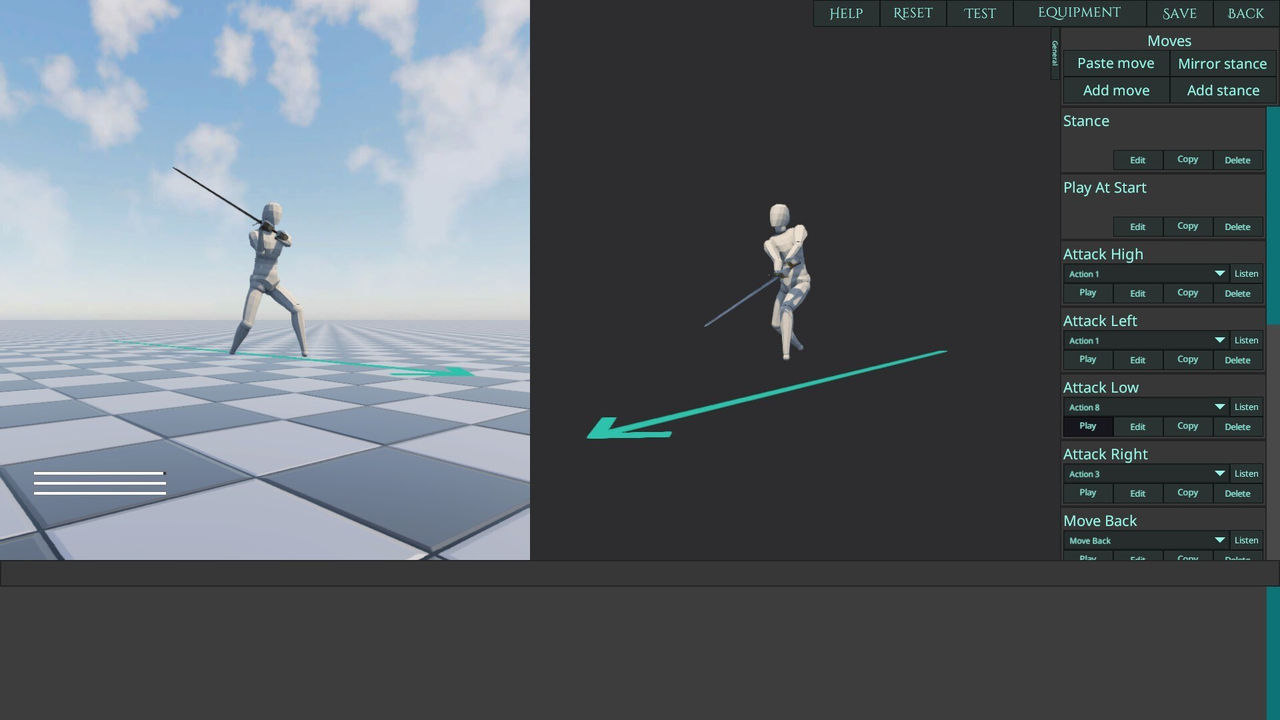
The content categories map neatly onto the game's systems. Movesets are the most numerous, because the move editor makes them cheap to produce: the trending list includes a katana moveset, a sumo moveset, a drunken bar fight moveset and a deliberately silly ball moveset, along with a longsword and a kung fu set. Skins are the second big category, ranging from historical Landsknecht outfits to anime and wrestling characters.
Arenas are fewer but heavier, and the standout is a modern MMA gym with an octagon, eight spawns and warm lighting. Equipment packs sit between the categories, adding weapons and armour sets that the base build does not include. Tools are a Thunderstore speciality: the library carries a camera preset editor, a first-person camera replacement, a gravity slider that runs from 0.05x to 5.00x, and a performance stabiliser whose author claims it holds 16-player lobbies above 30fps.
Local versus multiplayer mods
Every mod.io entry carries a label, and the label is the thing to check before you take a mod into a lobby. A Local mod is intended for solo play or private sessions, while a Multiplayer mod is built with online play in mind. That distinction is not decorative: the Thunderstore Custom Map Loader is explicit that it only functions when every player in the match has the mod installed, so a lobby with one modded player and three vanilla players simply will not load the custom map.
There is a second compatibility layer on top of that. Crossplay lobby hosts have a demo-compatible setting button after version 1.0.3.2, but the patch notes say it only changes settings and that mods must be disabled manually. In practice that means a modded host who wants to play with a demo user has to strip their mods by hand, because the button will not do it.
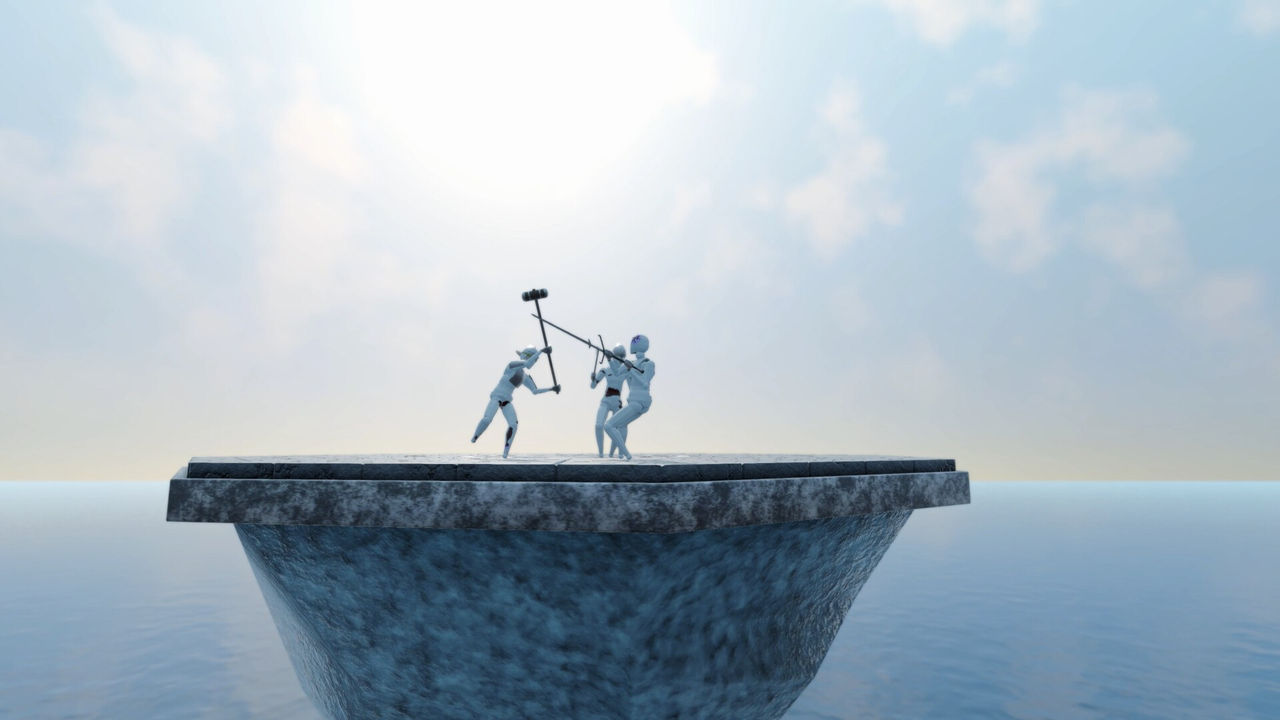
Content mods also travel between patches unevenly. The libraries do not publish a compatibility matrix against game versions, so a moveset that worked before a hotfix can behave differently after one, and the only reliable check is the mod's own update date against the game's patch date.
FAQ
1.Where do Gladio Mori mods come from?
There are two libraries. mod.io hosts the official catalogue that the in-game mod browser reads, covering Windows, Xbox Series X/S and PlayStation 5, while Thunderstore hosts 23 community packages and the mod managers and BepInEx framework they depend on.
2.Does Gladio Mori use Steam Workshop?
No. Mod distribution runs through mod.io for the in-game browser and through Thunderstore for the manual route. Steam Workshop integration is not mentioned in the store page, the patch notes or either mod listing.
3.What kinds of mods are available?
movesets, weapons, armour, player skins and complete arenas are all represented. mod.io describes the catalogue as custom attacks, weapons, armour and arenas, and the trending list is led by an arena mod, an official-looking Christmas pack, a katana moveset and a longsword.
4.What is BepInEx and do I need it?
BepInEx is the modding framework used by Mono Unity games, and Thunderstore pins a BepInEx pack for Gladio Mori. Code mods and tools generally need it, while content entries delivered through the in-game mod.io browser do not.
5.Are Gladio Mori mods safe to use in multiplayer?
Only the entries labelled as multiplayer mods are intended for it, and some of those require every player in the match to have the same mod installed. The Thunderstore Custom Map Loader is an explicit example of that rule.
6.Do mods work on console?
mod.io lists Xbox Series X/S and PlayStation 5 as supported platforms for the Gladio Mori catalogue, which is the strongest signal that console mod support exists. How console players install or enable mods is not documented yet.
References
Facts on this page are compiled from the references above. Items marked "to confirm" are single-source and not yet verified.