
Hozy · Start Here · Guide
Hozy Tips — How to Unpack Furniture
Hozy tips that save time: bin placement, mop order, camera tricks, furniture rotation, ambience and how to unpack furniture without leaving gaps.
By the Game Atlas team · Updated 2026-10-05
On this page (7)
The best Hozy tips are about removing second passes. Hozy is a forgiving game, but a few habits — clearing trash before mopping, parking the bin where the mess is, learning the camera controls — cut the time you spend redoing work, and they matter more than any decorating preference. The tips below come from a published beginner design guide, an early hands-on playtest and the fan wiki, with single-source items marked.
Clean in the right order
Trash first is the rule that pays for itself. Loose objects block the mop and create gaps in cleaned areas, so sweep the floor clean with your hands before you ever pick up the mop, then mop everything in one pass. While you are at it, move the bin next to the densest pile of clutter before you start carrying — it shortens the walk on every armful and is one of the simplest wins in the game.
- Collect trash by holding the left mouse button and dragging across the floor to pick up an armful.
- If you grab too much at once, some of it falls back down, so work in manageable scoops near the bin.
- Mop from the edges inward, then check the journal — if the task is still open, one patch of dirt is hiding.
- Reload the paint roller from the tray whenever it runs dry, and remember you can switch colours midway.
- Rotate and zoom the camera to spot leftover debris and that one corner you missed.
Camera control is worth learning early. Being able to swing the view around and zoom in or out is what makes the last piece of trash findable, and it also helps while you are placing furniture in a tight room such as the small apartment or the lighthouse.
Hozy how to unpack furniture
Unpacking is where most players slow down, so a little planning helps. The boxes that arrive after the cleaning tasks are labelled vaguely — "furniture", "big stuff", "small stuff" — and a beginner design guide suggests setting out the huge items first: sofas, refrigerators, shelving and footstools, then building the smaller pieces around them (to confirm). The same guide advises starting with lighting in a dark room (to confirm), which matters in the penthouse before the static TV is switched off.
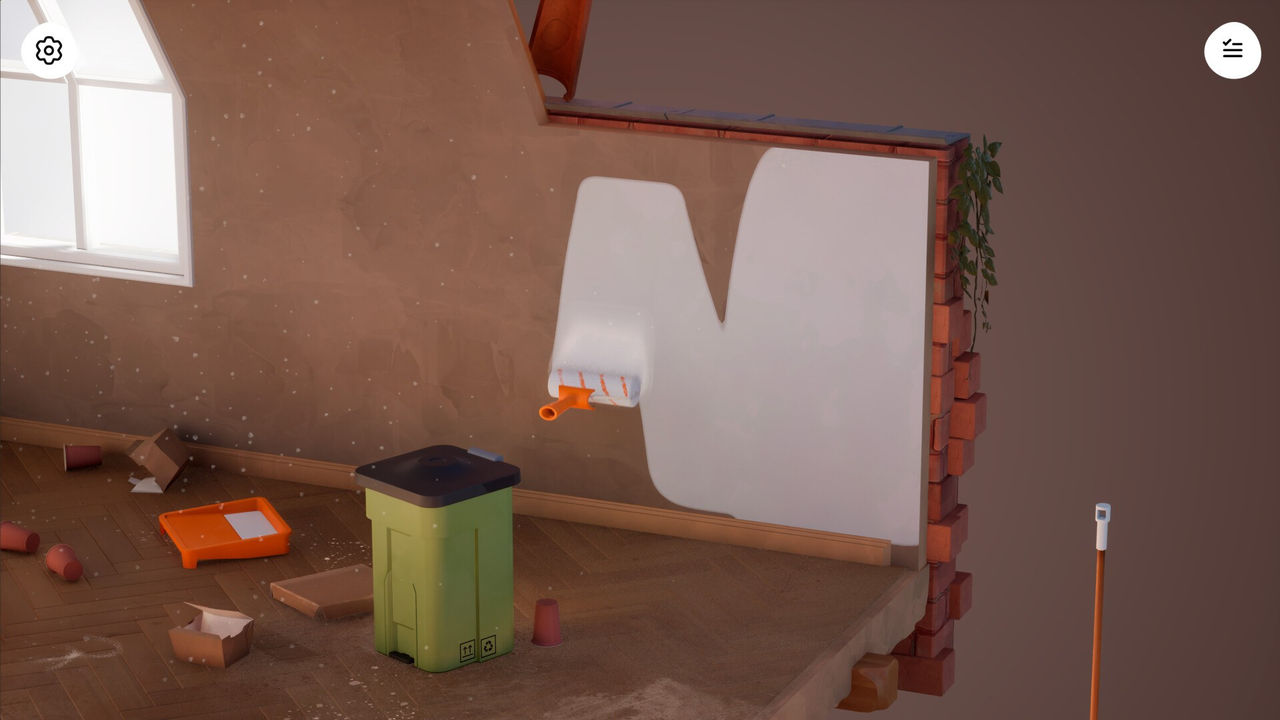
Two mechanics make this easier than it looks. Held furniture rotates with the mouse wheel, so you can audition angles before committing, and anything that does not fit the room can be sent into the void instead of being forced into a corner. Because the final journal objective is always "Unpack the furniture", the fastest way to finish a room is simply to empty every box — then come back later and arrange things properly.
Ambience, camera and photo mode
Hozy rewards small interactions that have nothing to do with the task list. Right-click a cleaned window to open it and you unlock that room's outdoor ambience — leaves in the breeze, city noise, birds or dogs, depending on the level. Switch on a fan and plant leaves and wind chimes start to move; light candles or electric lamps to change how a finished room feels.
Several furniture pieces also respond to a right-click: rocking chairs rock, instruments play notes, and a telescope can trigger a small cutscene (to confirm). Plants can sit on window sills, shelves and balconies to give a room layers, and the fan wiki notes a photo mode that opens with the spacebar after a level is finished, with filters and zoom for capturing your work (to confirm). None of these are required for completion — they are the reason a finished room is worth returning to.
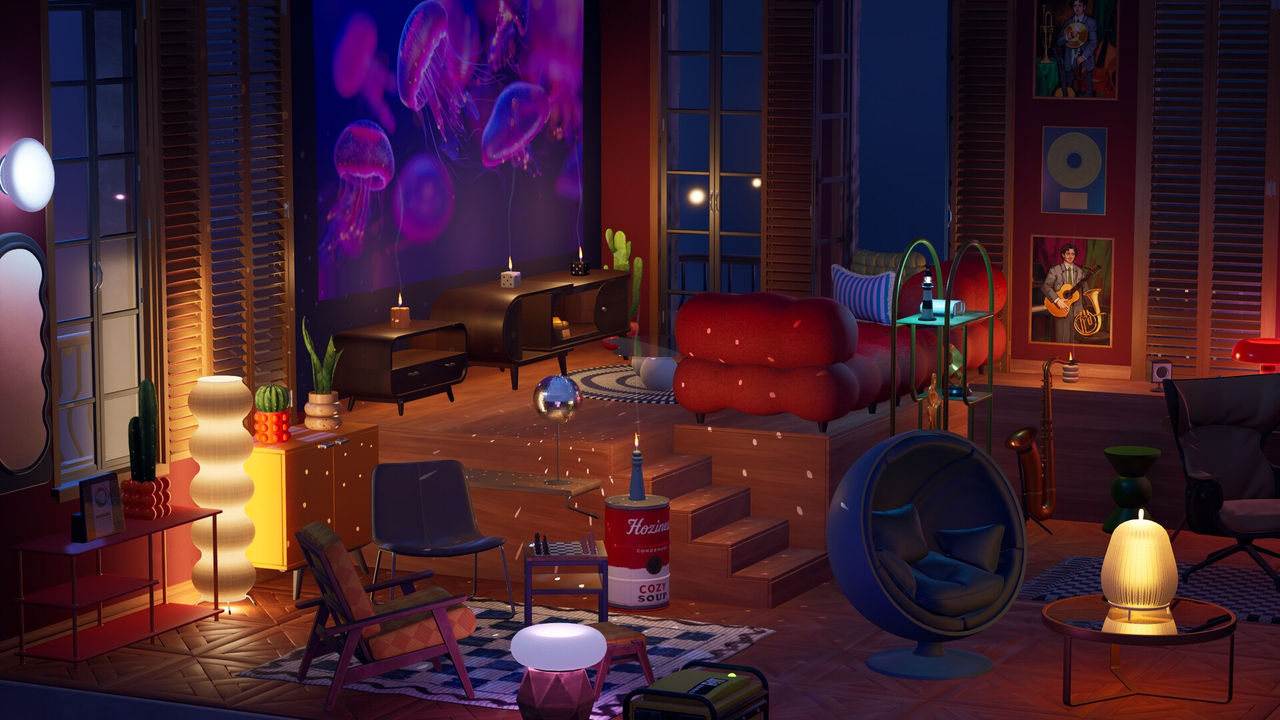
None of this changes the task list. A room counts as complete once its objectives are ticked off and the boxes are unpacked, so the ambience layer is optional polish — the part that makes a room worth returning to after the achievement is already on your profile.
FAQ
1.What is the single biggest time-saver in Hozy?
Clear every piece of trash before you touch the mop. Loose items on the floor block the mop path and leave uncleaned gaps, so you end up mopping the same patch twice. Sweeping the room clean first removes that second pass.
2.How do I rotate furniture in Hozy?
Pick the piece up and use the mouse wheel to rotate it while it is held. Nothing is locked in, so you can test several angles before placing it, and an item you dislike can be tossed into the void instead of being placed.
3.Can I zoom out to find the last speck of dirt?
Yes. You can rotate and zoom the camera, which helps both when you are clearing trash and when one stubborn patch of dirt is hiding the completion. Zooming out also makes it easier to spot an item still sitting in a box.
4.Is there a photo mode in Hozy?
The fan wiki says pressing the spacebar after finishing a level opens a photo mode with filters and zoom (`to confirm`). Treat that as a fan-documented tip rather than an official feature list.
More in Start Here
More start here pages in Hozy.
References
- Best Beginner Design Tips For Hozy
- Hands-on with Cozy Playtests: HOZY
- Hozy Game Guide & Wiki — Complete Walkthrough | TheHozy.wiki
- Hozy: All Levels Walkthrough
Facts on this page are compiled from the references above. Items marked "to confirm" are single-source and not yet verified.