
Zombie Lab · Start Here · Guide
Zombie Lab Beginner Guide — Your First Hour in the Lab
This Zombie Lab beginner guide covers your first hour: setting up the lab, running the first tests, reading damage and recovery data, and unlocking equipment.
By the Game Atlas team · Updated 2026-10-11
On this page (10)
Zombie Lab is an Early Access simulation game from Outlaw Games, published by Pixel Games and released on Windows through Steam on October 9, 2026 for $9.99. You have a lab, you have one undead test subject, and the game is about testing that subject with weapons, machines and traps, then reading the numbers that come back. This Zombie Lab beginner guide covers the first hour: what the opening loop looks like, which systems you touch first, and the habits that keep early progress from stalling. If you want the mechanics in full detail first, start with the gameplay overview.
What you actually do in Zombie Lab
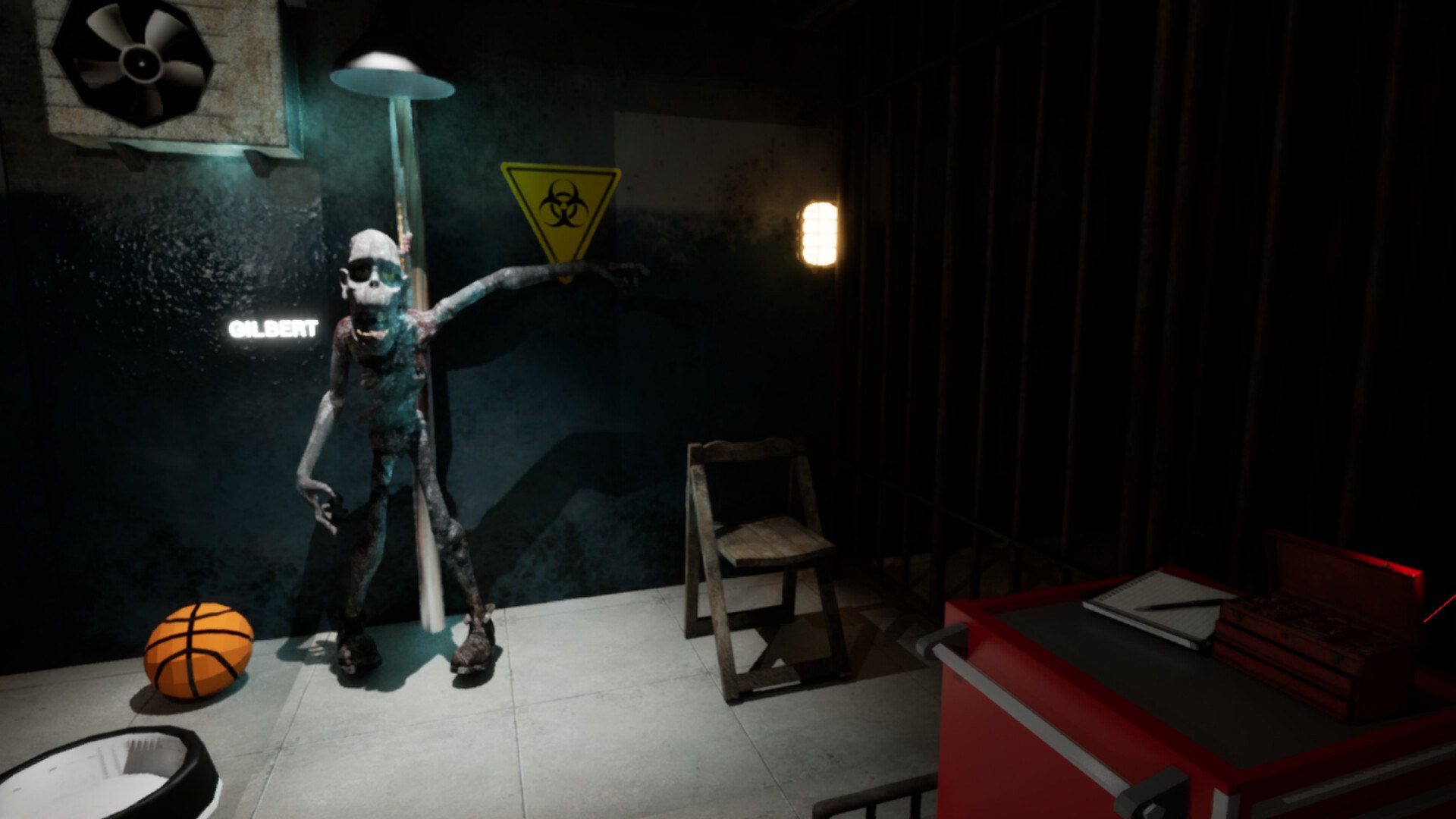
The store description frames the whole game in three verbs: run experiments, test weapons and equipment, and track the results. Your subject is a single zombie that the game treats as a research asset rather than an opponent, and the store copy is explicit that the subject can be damaged and can recover. That recovery is what turns a single action into a repeatable experiment.
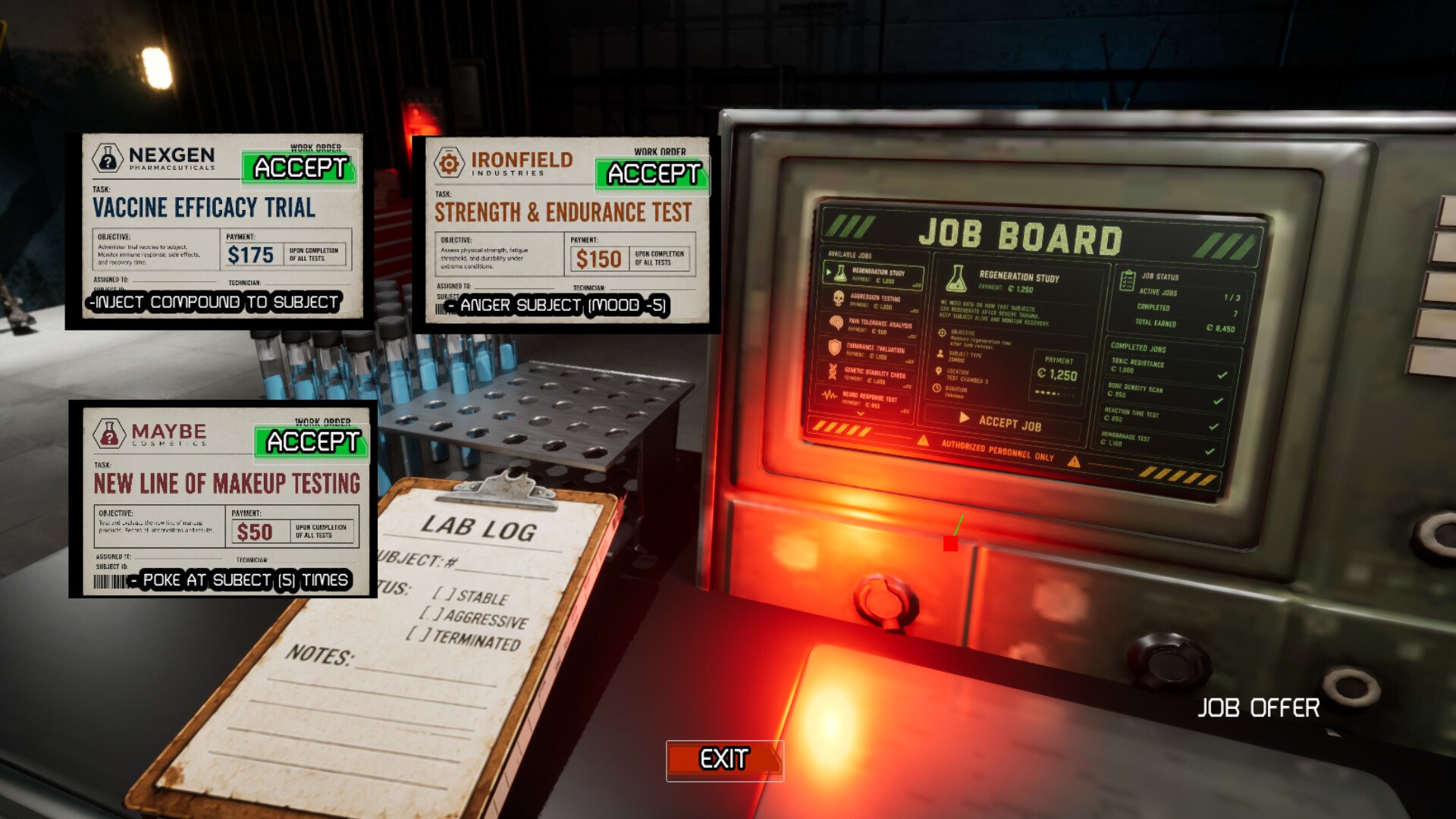
The second half of the loop is progression. Official text says the lab expands with increasingly extreme ways to test the subject, and that new equipment and experiments are unlocked as you go. So the beginner question is not how to win, because no win condition is published, but how to keep the research moving.
| System | What the store page says it does |
|---|---|
| Test subject | A single undead subject you experiment on repeatedly |
| Equipment | Weapons, machines and traps used to test the subject |
| Results | Damage, durability and recovery data from each test |
| Lab | An interactive space that expands as you unlock more |
Your first session, step by step
- Start with one piece of equipment rather than touring the whole lab.
- Run a test, then read the result before changing anything else.
- Watch the recovery figure, because it decides when the subject is usable again.
- Spend early unlocks on tools that open new test types, not on bigger numbers.
- Repeat one test on an unchanged subject so later data has a baseline to compare against.
The store page does not publish a tutorial sequence, a starting loadout or a currency, so the order above is a reading of the documented loop rather than a scripted opening. How much the game walks you through it is not documented yet.
The experiment loop and what it feeds
Every documented system points back into the same circle. You choose a tool, apply it, and the game records what happened. The store text names damage, durability and recovery as the measurements, and says the results are what you study to decide what comes next. Unlocks come out of that study, and the new equipment feeds the next round of tests.
That structure matters for a beginner because it means the loop is not about clearing content. There is no documented win state, boss list or level list on the store page. Progress is expressed as a wider set of experiments and a lab that grows around them.
Where new players get stuck
The most common early stall in a loop like this is treating the subject as disposable. The store page describes recovery as one of the tracked results, which strongly implies the subject is expected to come back and be tested again. Spending everything on one dramatic test leaves nothing to compare it against.
The second stall is unlocking too broadly. Because the store says the lab expands with increasingly extreme tests, it is easy to buy variety before you understand the measurements. A narrow, repeated test you understand beats a scattered set you do not.
What to read next
Once the first hour is clear, the walkthrough lays out the order of progress from setup to extreme trials, and tips collects the habits that save the most time. If you want the systems first, experiments explains the tracked results and the unlock loop in more depth. For the facts around the launch itself, see the release date page.
FAQ
1.What is Zombie Lab?
A casual simulation game from Outlaw Games, published by Pixel Games and released on Windows through Steam on October 9, 2026 as an Early Access title. You experiment on a single undead subject with weapons, machines and traps, then study the results.
2.What should I do in my first hour?
Learn one piece of equipment, run a test, and read the results before changing anything. The store page lists damage, durability and recovery as the tracked measurements, so a repeated test you understand is worth more than a scattered set of one-offs.
3.Is there a tutorial?
Not documented yet. The Steam store page describes the loop and the interactive lab but does not publish a tutorial sequence, a starting loadout or an opening mission list.
4.How much does the beginner loop cost?
The game is a one-time $9.99 purchase on Steam as of October 10, 2026, with no discount listed. The store page does not describe any in-game currency or microtransactions.
5.Can I try the game before buying it?
Yes. A Zombie Lab demo is listed on Steam with its own store page, so you can check how the lab feels before committing to the full release.
More in Start Here
More start here pages in Zombie Lab.
References
- Zombie Lab on Steam
- Zombie Lab app details (Steam Web API)
- Zombie Lab Steam Community hub
- Zombie Lab on the Pixel Games site
Facts on this page are compiled from the references above. Items marked "to confirm" are single-source and not yet verified.