
Zombie Lab · Systems · Guide
Zombie Lab Gameplay — The Core Experiment Loop
Zombie Lab gameplay explained: the run-test-read loop, the weapons and machines you use, the damage and recovery results, and how new experiments unlock.
By the Game Atlas team · Updated 2026-10-11
On this page (10)
- The core loop, step by step
- Weapons, machines and traps
- What the results measure
- Unlocking new experiments and equipment
- Recovery, failure and pacing
- What is the core loop in Zombie Lab?
- What equipment do you use?
- What do the results measure?
- How do you unlock new experiments?
- What happens when a test goes too far?
Zombie Lab gameplay is a single repeating circle: choose a way to test your undead subject, apply it, then read what the results say. The Steam store page describes a game where science, survival and questionable experiments collide, with a subject, a laboratory and a long list of ways to find out what the undead can survive. This page walks that circle in order, covering the tools, the measurements, the unlock loop and what the store does not say about failure. For the first-hour version, see the beginner guide.
The core loop, step by step
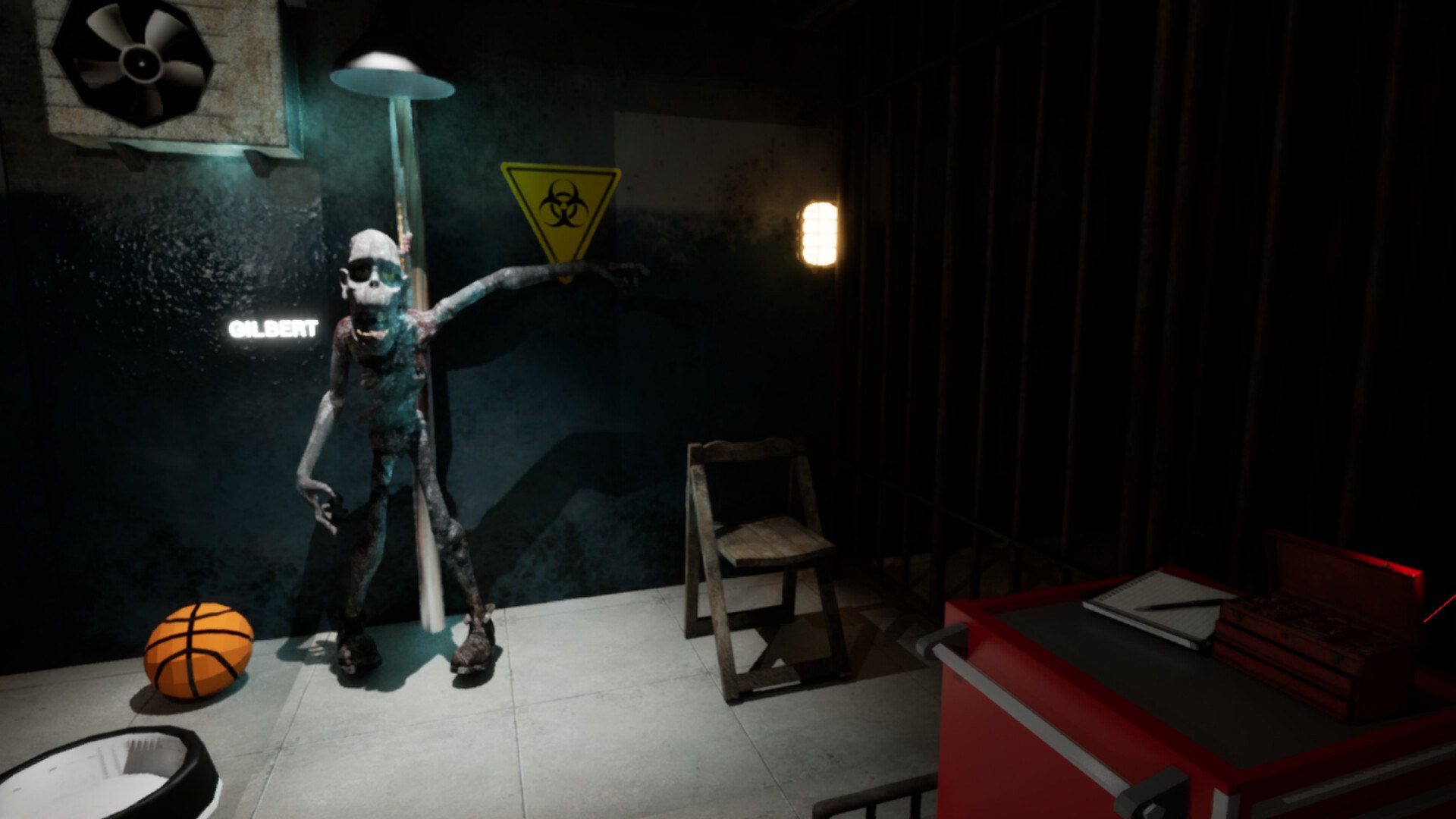
A session in Zombie Lab is built from tests rather than fights. The store page says you run experiments and put your subject through increasingly ridiculous trials, and its feature list repeats the same shape: experiment on your zombie, test weapons and equipment, track the results, unlock new experiments. Read together, those four lines describe one lap of the loop.
- Pick a tool from the lab, such as a weapon, a machine or a trap.
- Apply it to the undead test subject.
- Read the result, which the store lists as damage, durability and recovery.
- Use what the result shows to decide the next test or the next unlock.
Nothing in the official copy describes an opponent, a timer or a score. The subject is not trying to win, and the store page never frames a test as a match, so the loop is closer to running a lab bench than to clearing a stage.
Weapons, machines and traps
The store short description lists weapons, machines, traps and bizarre tests as the categories of equipment, and the long description adds crush, burn, shock and shoot as examples of what the tools do. The feature list calls the lab interactive and describes it as a playground where you experiment, observe and see what happens. That is the whole documented equipment layer: categories and verbs, with no item names, tiers or counts published.
Because the game ships in Early Access, the store page is also the only official description of the equipment set so far. No patch notes or roadmap entries for the app were available when this page was written, so what is listed today is what is documented today.
What the results measure
The results are the part of the loop that decides everything else. Official text names damage, durability, recovery and other experimental data as what you measure, and says you study the results to see how quickly your subject recovers. Recovery is the interesting one, because it turns the subject into a resource that comes back rather than a one-shot target.
| Tracked result | What the store page says about it |
|---|---|
| Damage | How much the test affects the subject |
| Durability | A second measurement taken from the same test |
| Recovery | How quickly the subject comes back from the test |
| Other data | Grouped with the three above as experimental data |
Unlocking new experiments and equipment
Progression in Zombie Lab is described as expansion. The store page says you unlock new equipment and experiments as you push undead science beyond reasonable limits, and its feature list says you expand your lab with increasingly extreme ways to test your zombie. So the reward for a good test is not a stronger version of the same tool but a wider set of tests to run.
That shapes how you should think about the loop. A run of tests that produces clear, comparable results is worth more than a single extreme trial, because comparable results are what the unlock text assumes you are reading.
Recovery, failure and pacing
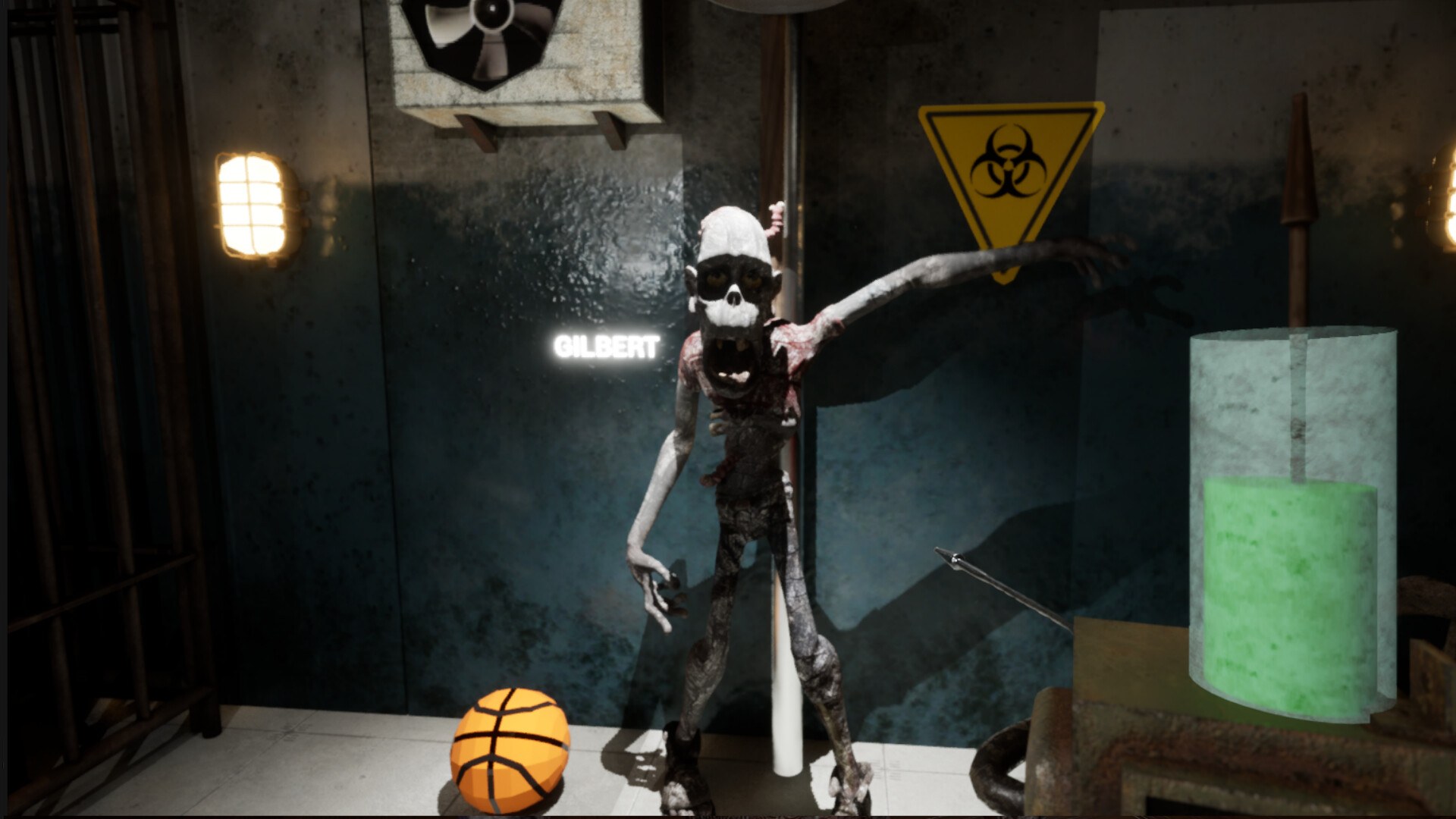
The store page is honest about the tone: it says Zombie Lab does not take its science, or its zombie, too seriously, and that the subject may be dead while the research is just getting started. That framing matches the loop, where the subject is repeatedly tested rather than permanently lost.
Beyond that, the failure state is not documented yet. There is no published cost for an overdone test, no reset condition, no difficulty setting and no stated session length. The only pacing signal on the store page is direction of travel: tests get more extreme, the lab gets bigger, and the subject keeps coming back.
FAQ
1.What is the core loop in Zombie Lab?
Run a test on your undead subject, then read the results. The store page says you experiment with weapons, machines, traps and bizarre tests, and that you track damage, durability and recovery from what you did.
2.What equipment do you use?
The store page names weapons, machines and traps as the tools, and its feature list groups them as weapons and equipment that change how the subject is affected. No equipment names or counts are published.
3.What do the results measure?
Damage, durability and recovery. The store page lists those three plus other experimental data as what you measure, which is what lets you compare one test against another.
4.How do you unlock new experiments?
By studying the results and expanding the lab. Official text says you unlock new equipment and experiments as you push further, and that the lab gains increasingly extreme ways to test the subject.
5.What happens when a test goes too far?
Not documented yet. The store page frames the subject as something that recovers and is tested again, but it does not publish a failure state, a cost for a ruined test, or a reset.
More in Systems
More systems pages in Zombie Lab.
References
- Zombie Lab on Steam
- Zombie Lab app details (Steam Web API)
- Zombie Lab Steam Community hub
- Zombie Lab news hub on Steam
Facts on this page are compiled from the references above. Items marked "to confirm" are single-source and not yet verified.