
Zombie Lab · Systems · Guide
Zombie Lab Controls — What Is Documented for Input
Zombie Lab controls explained: the store lists no controller support, no key bindings and no remap options, so mouse and keyboard is the only documented input.
By the Game Atlas team · Updated 2026-10-11
On this page (8)
Zombie Lab controls are not documented yet. The Steam store page publishes no key bindings, the app details contain no control scheme, and there is no controller support listed among the app's categories. This page states what the official data does and does not say about input, so you know what to expect before you launch. For the systems those controls drive, see the gameplay page.
What the store page says about input
Steam records input features as categories, and the four attached to Zombie Lab are Single-player, playable at your own pace, playable without timed input, and Family Sharing. Controller support is not among them, which is the one clear negative in the data.
| Input item | Status in the official data |
|---|---|
| Controller support | Not listed |
| Key bindings | Not documented yet |
| Remapping | Not documented yet |
| Mouse and keyboard | Implied by the platform, not itemised |
The absence of a controller category is meaningful because Steam only shows that label when a developer enables it. A gamepad might still function through Steam Input's generic mapping, but that would be a workaround rather than a supported scheme, and the store page does not claim it.
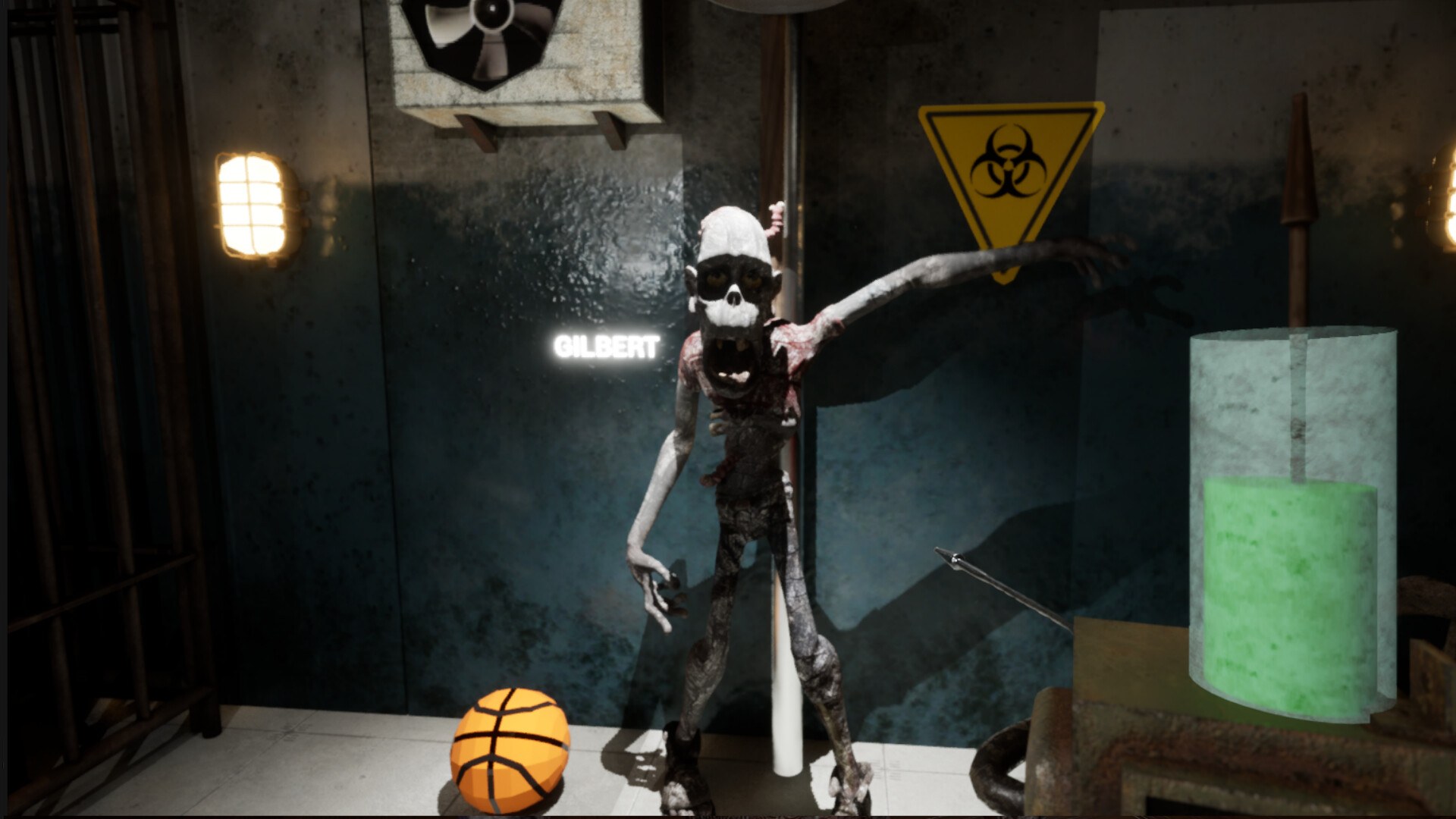
Reading the two input categories
Two of the four categories are about input comfort rather than hardware. Playable at your own pace and playable without timed input both describe a game that does not demand fast reactions, and both are attached to Zombie Lab.
That tells you something useful even without a key list. A game built around running tests, reading results and choosing unlocks is a pointer-driven experience rather than a twitch one, and the store categories agree with that reading. If you are choosing between this and a game that needs reflexes, this is the calmer option.
Why the gap exists
Zombie Lab launched on October 9, 2026 as an Early Access title, and control documentation is a common gap at that stage. The store page also does not publish a tutorial, so the game's own on-screen prompts are likely to be the first place the controls appear.
If the scheme matters to you, the most reliable source will be the store page itself, since Valve shows controller support there as soon as a developer enables it. The update page tracks whether anything in the official listing changes, and the platforms page covers the hardware side in full.
FAQ
1.What are the Zombie Lab controls?
Not documented yet. The Steam store page publishes no key bindings, and the app details contain no control scheme, so there is no official list of which key does what.
2.Does Zombie Lab support a controller?
No controller support is listed. Steam records controller support as a category when a game has it, and the four categories on this app do not include one.
3.Can you remap the keys in Zombie Lab?
Not documented yet. No remapping option appears in the store data, and no control settings are described anywhere in the official listing.
4.Is Zombie Lab playable without timed input?
Yes. Playable without timed input is one of the four store categories, along with playable at your own pace, so the game does not require fast reactions to control.
5.Does Zombie Lab have touch or motion controls?
No. The game is Windows only with no mobile or console build, and no touch or motion input appears in the store categories.
More in Systems
More systems pages in Zombie Lab.
References
Facts on this page are compiled from the references above. Items marked "to confirm" are single-source and not yet verified.