
Anshi · Systems · Guide
Anshi Controls — Input Support and What Is Not Listed
Anshi controls: the Steam page lists mouse and keyboard play only, with no controller support field, no key list and no remapping documented.
By the Game Atlas team · Updated 2026-10-11
On this page (8)
Anshi controls are not documented in detail. The game is a desktop title for Windows and macOS sold on Steam, so mouse and keyboard is the working assumption, but the store page publishes no key list, no controller support field and no remapping option. Anything more specific than that would be invented.
What the Store Page Lists, and Why There Is No Key List
The Steam category list for Anshi has exactly two entries: Single-player and Family Sharing. Controller support would normally appear as its own category there, and it does not. The app details also return no controller support value, so there is no partial support note such as partial gamepad or full gamepad to report.
| Input method | Status | Source |
|---|---|---|
| Mouse and keyboard | The documented setup for a Windows and macOS Steam game | Platform flags in the app details |
| Controller / gamepad | No controller support category listed | Steam category list |
| Touch input | Not listed | Steam category list |
| Steam Deck | No compatibility rating published | App details |
| Key remapping | Not documented | Store page |
A controls page usually lists the bindings, and this one cannot. The store page does not publish a key list, the app details do not carry one, and there is no manual or control reference linked from the listing. Because every published source is silent on specific bindings, writing a table of keys would mean making them up.
What the Game Asks You to Do
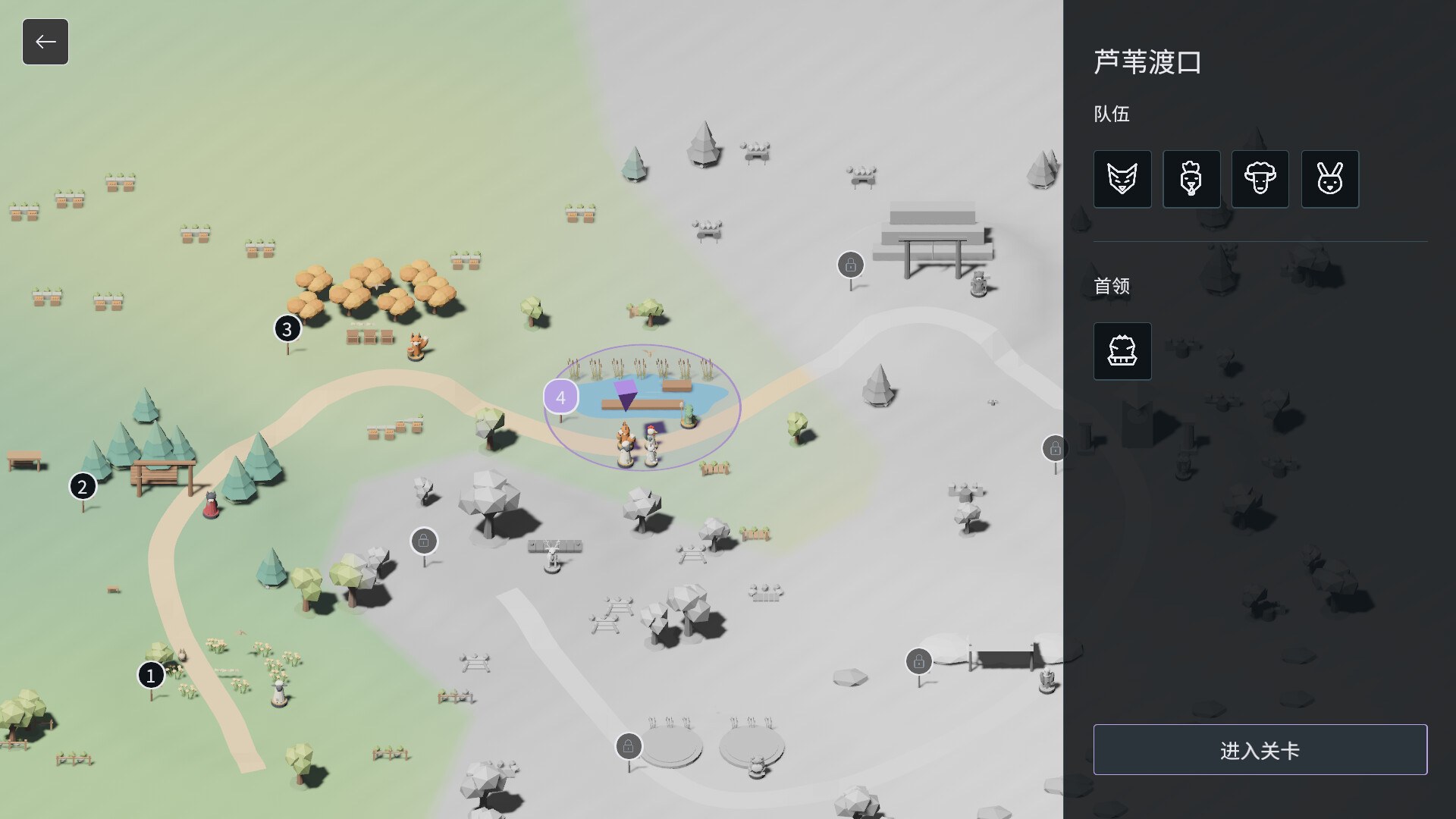
What is documented is the interaction the controls serve. The store page describes inspecting both sides' actions, targets and upcoming skills, then using cards to shift your own pieces' action cycles so that a needed skill moves forward and the following skills line up. It also describes choosing when to end the Stealth Phase and begin the battle, which is a deliberate action rather than an automated one.
- Inspect both sides' actions, targets and upcoming skills.
- Select cards to shift your pieces' action cycles.
- Decide when the battle begins.
What Is Not Documented Yet
Several control details are absent from the store page: the specific keys or mouse actions used for card selection, whether there is a rebinding menu, whether the game supports touch or handheld input, and whether any accessibility options exist for input. None of those are published, so they are not documented yet.
For the systems these controls drive, see the gameplay breakdown. The cards page explains what the hand does, and the platforms page confirms the two supported operating systems. If you are checking whether your machine qualifies, the system requirements list both the Windows and Mac minimums.
FAQ
1.What controls does Anshi use?
Mouse and keyboard, as a Steam desktop game on Windows and macOS. The store page publishes no key list, so which key does what is not documented yet.
2.Does Anshi support controllers?
No controller support is listed. The Steam category list contains only Single-player and Family Sharing, and the app details have no controller support field, so gamepad play is not documented.
3.Can you remap the controls in Anshi?
Not documented. The store page does not describe a rebinding or key remapping option, so whether controls can be changed is not confirmed.
4.Does Anshi support touch input or Steam Deck?
Not documented. No touch support category is listed, and there is no Steam Deck compatibility rating in the app details for the game.
5.Is there a tutorial that explains the controls?
Not documented as a named tutorial. The store page describes the mechanics in text, including inspecting both sides' actions and using cards to shift action cycles, but it does not describe an in-game controls tutorial.
More in Systems
More systems pages in Anshi.
References
Facts on this page are compiled from the references above. Items marked "to confirm" are single-source and not yet verified.